Ditch the Paperwork, Save Your Sanity, and Make More Money
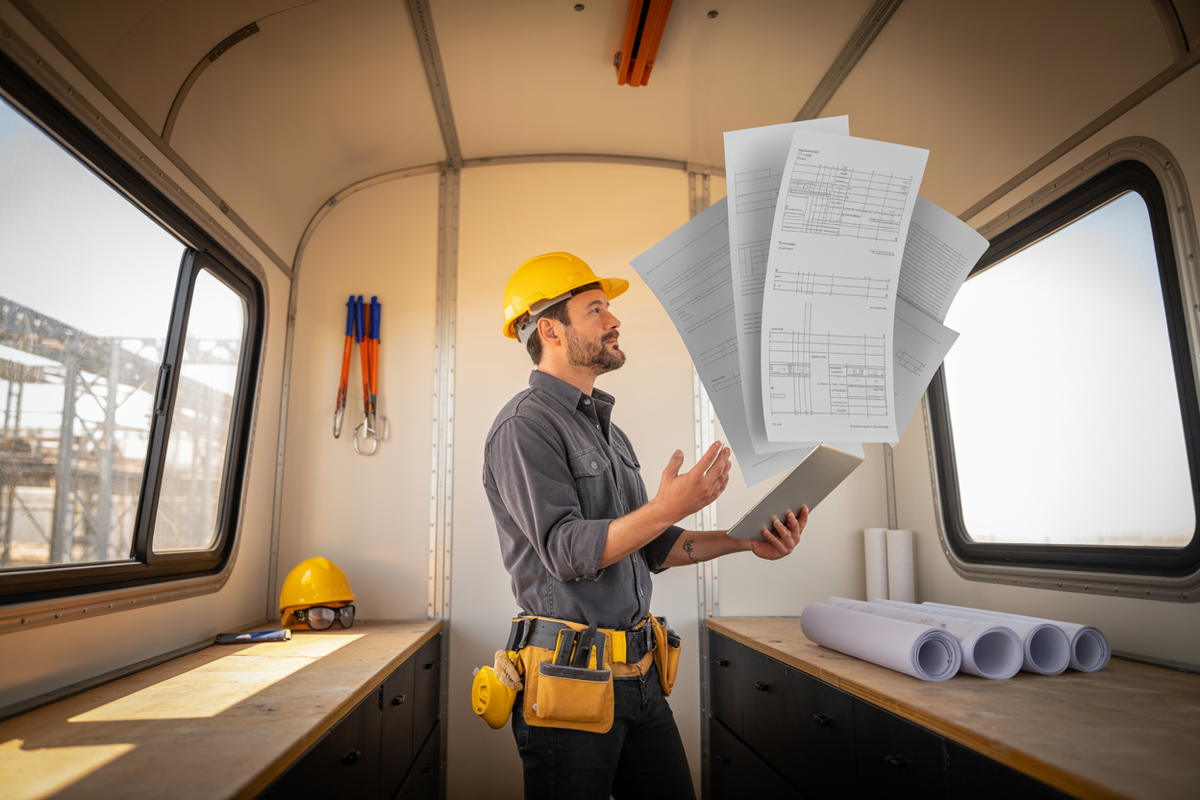
Alright, let's be real. In our world, time is the one thing you can never get back. And what's the biggest time-suck? The endless mountain of paperwork. Safety plans, sub agreements, client hand-holding, change orders... it feels like you're running a full-time admin business that just happens to build stuff on the side.
But what if you had a guy for that? A super-sharp assistant who works 24/7, never complains, and spits out exactly what you need in seconds. That's ChatGPT.
This isn't about robots taking over the job site. It's about having a tool that handles the grunt work so you can get out of the office and back to where you make your money. It's for us, the guys who know how to build, not the tech nerds.
You don't need a computer science degree to use it. Yeah, you've got to check its work, just like you would with any new guy, but once you get the hang of it, you'll be amazed at how much time you get back. We're talking about running a leaner, meaner, and more profitable operation.
Ready to see what it can actually do? Let's get into some real-world stuff you can try right now.
Stop Hating Job-Specific Safety Plans
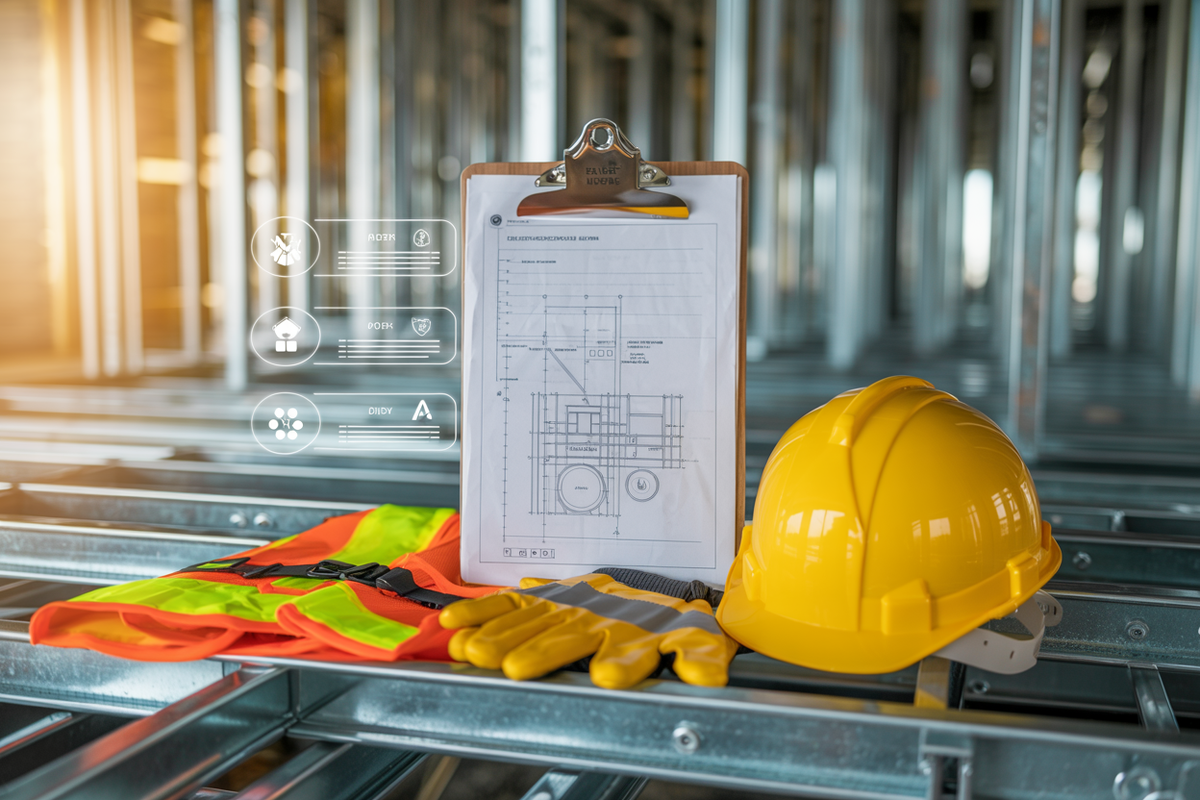
We all know safety is king, but writing a custom safety plan for every job? It's a soul-crushing grind. Let the AI do the first draft and get you 90% of the way there in about 30 seconds.
Copy and paste this into ChatGPT:
Act like an expert construction safety manager who's actually worked in the field. Write me a straightforward, no-BS safety plan for a new commercial build. We're putting up a steel frame, pouring a slab, and doing the cladding. The job's in a tight downtown spot right next to the street.
Make it dead simple so every sub, from the grizzled veteran to the greenhorn, knows the deal. Our company values are: Safety First, No Excuses; Act Like a Pro; and We're All on the Same Team.
I need these sections:
The Gist & Top 5 Risks: What's the job and what are the 5 things most likely to get someone hurt here?
Required PPE: What's the minimum gear everyone needs to have on, no exceptions?
Emergency Plan: Clear, simple steps for fire, medical, and site evac. Where's the muster point?
High-Risk Work: What are the rules for cranes, working at height, and digging trenches?
Subcontractor Rules: A clear statement that says, "You work on this site, you follow these rules."
Keep it professional but direct. This needs to be a document I can actually use, not corporate fluff.
GC Pro Tip: Don't stop there. Tell it to add a section on silica dust or a checklist for your crane operator. When it looks good, copy it, slap your logo on it, and throw it in the site binder. Done.
Get Subs to Actually Respond to You
Chasing subs for quotes is like herding cats. It's frustrating, and it holds you up. Let ChatGPT write the follow-up email so you can stay cool, keep the relationship solid, and still get the info you need.
Copy and paste this into ChatGPT:
Act like a senior PM who knows how to talk to subs. Write me a polite but firm follow-up email. I'm chasing an HVAC bid for the "Maple Creek" job. The deadline was three days ago.
The email needs to:
- Mention the project and the scope (HVAC).
- Gently remind them they missed the deadline.
- Ask if they're still planning to bid and when I can expect to see it.
- Keep it professional and collaborative, not like I'm blaming them.
My goal here is just to get an answer so I can finalize my main bid. No drama.
GC Pro Tip: It's easy to get ticked off when you're being ignored. Let the AI handle it. A calm, professional nudge keeps you in control and shows you're on top of your game. It's just good business.
Make Client Updates Quick and Painless

Happy clients are informed clients. But who has time to write a novel every Friday afternoon? Instead of winging it, let ChatGPT draft a clean, professional update that makes you look like a rockstar.
Copy and paste this into ChatGPT:
I'm a GC giving a weekly update to my residential client for their home extension. We're in week 4.
Write me a friendly, clear email that hits these points:
What We Got Done: Poured the foundation, and the ground floor framing is about 80% complete.
What's Next: We're finishing the framing, starting roof trusses, and then sheathing.
Heads-Up: We lost a day to rain, but we're still on the main schedule.
Need from You: I need you to pick out the exterior windows by the end of next week.
Make it sound reassuring and professional. I want them to feel confident, not confused.
GC Pro Tip: Know your audience. If it's a commercial client, you can tell ChatGPT to 'get more technical' and reference specific drawing numbers or spec sections.
Stop Arguing About the Punch List
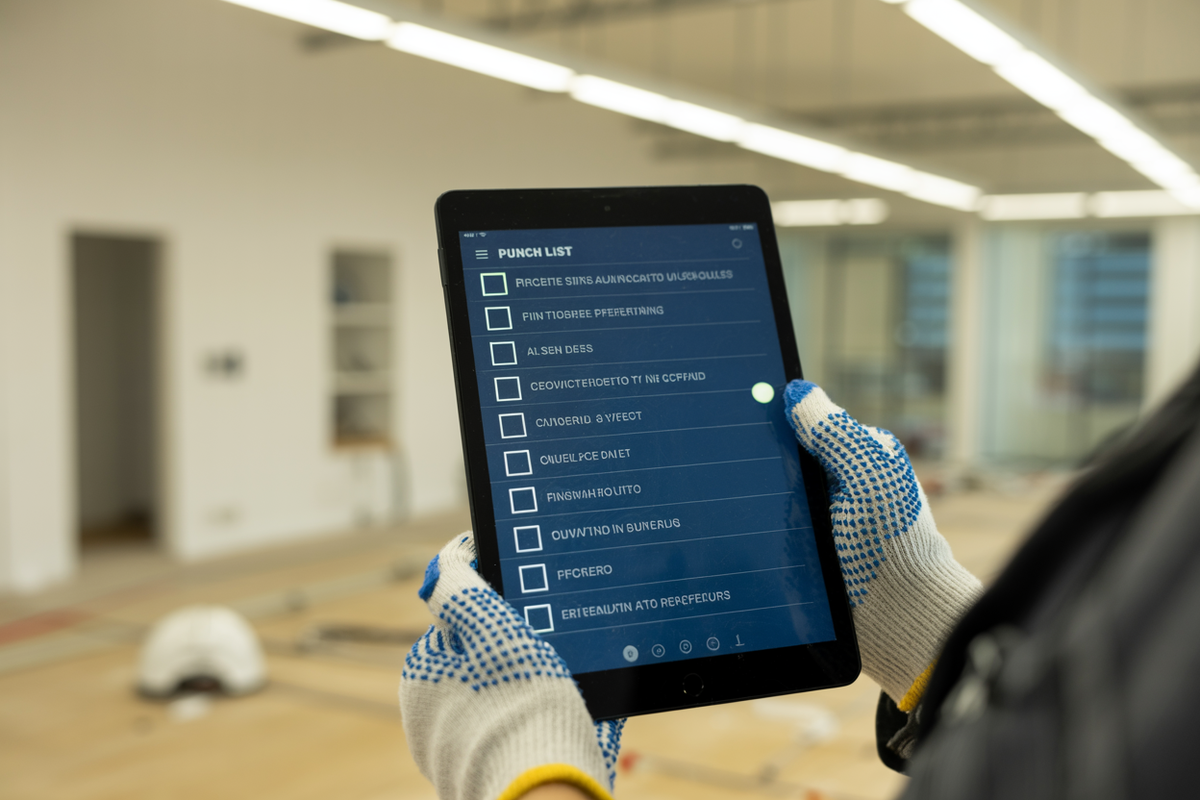
Getting across the finish line is all about the details. A sloppy punch list can kill your profit, ruin your reputation, and lead to endless arguments. Instead of starting from scratch every time, have ChatGPT build you a bulletproof template.
Copy and paste this prompt into ChatGPT:
I'm a super-detailed construction super. Create a punch list (or snag list) template for the final walkthrough of a new office fit-out.
Break it down by trade so it's easy to manage:
General & Finishes: (Paint scuffs, floor scratches, wall dings)
Doors & Hardware: (Locks, closers, door alignment, stops)
Millwork & Cabinetry: (Scratches, wonky hardware, finish quality)
Plumbing: (Leaks, water pressure, fixture damage)
Electrical & Lighting: (All lights on, switches labeled, outlets working)
HVAC: (Thermostats working, diffusers clean, system balanced)
Give me 3-5 common screw-ups for each section. I want a simple checklist I can use on my tablet or print out.
GC Pro Tip: Make it your own. Tell ChatGPT to add items you always see, like "confirm all warranty paperwork is in the handover package" or "check for code compliance stickers." Save it as your master template and stop reinventing the wheel.
Tame the RFI Beast Once and For All

Ah, the RFI. The necessary evil of every project. It's how we cover our butts and get clarity, but man, they can turn into a paperwork nightmare if you're not careful. Use ChatGPT to build a simple, repeatable system that even your greenest guy can follow.
Copy and paste this prompt into ChatGPT:
You're a senior PM who runs a tight ship. Create a step-by-step process for submitting and tracking RFIs.
I need a simple, numbered checklist for my project coordinators and supers. It should cover:
Spotting the Problem: When do you actually need to write an RFI?
Writing it Right: What info has to be in it (project name, date, RFI #, the actual question, drawing/spec reference).
Sending It: Who gets the RFI (Architect, Engineer)?
Tracking It: How to log it in a simple tracker so nothing gets lost.
Nudging Them: When and how to follow up if you're getting crickets.
After that, write me a simple RFI email template I can copy and paste, with placeholders for the key info.
GC Pro Tip: Take it one step further. Ask ChatGPT to "create a simple RFI tracking log in a table with columns for RFI #, Date Sent, To, Question, Date Responded, and Status." Boom. You've got an instant system to keep the chaos organized.
Your Turn, Boss: ChatGPT For General Contractors Can Be Simple

Look, this is just scratching the surface. The trick is to stop thinking of this as some high-tech nonsense and start seeing it as another tool on your belt, just like your impact driver or your laser level. It’s not going to swing a hammer for you, but it’ll handle the mountain of paperwork that’s stopping you from building, managing, and actually growing your business.
Pick one of these prompts and give it a shot. Mess with it. Make it your own. The more you use it, the more you’ll realize how much easier this AI stuff can make a GC's life.
When ChatGPT Stops Being Enough
ChatGPT is a good starting point. No argument there.
But here’s the hard truth once you start using it on real jobs: it only knows what you tell it. Every prompt lives in a vacuum. It doesn’t remember your estimate. It doesn’t know what changed yesterday. It can’t see your site photos, your pricing, or which scope version is current.
That means every task starts the same way: copy, paste, explain, double-check.
And on a real project, that’s where things get risky.
Miss one detail. Paste the wrong scope. Forget to update pricing. Now you’re fixing mistakes instead of saving time. That’s not the AI’s fault. It just wasn’t built for job-specific work where accuracy actually matters.
ChatGPT is a general tool. Construction isn’t.
Use AI That Actually Knows the Job
This is where contractor-built tools earn their keep.
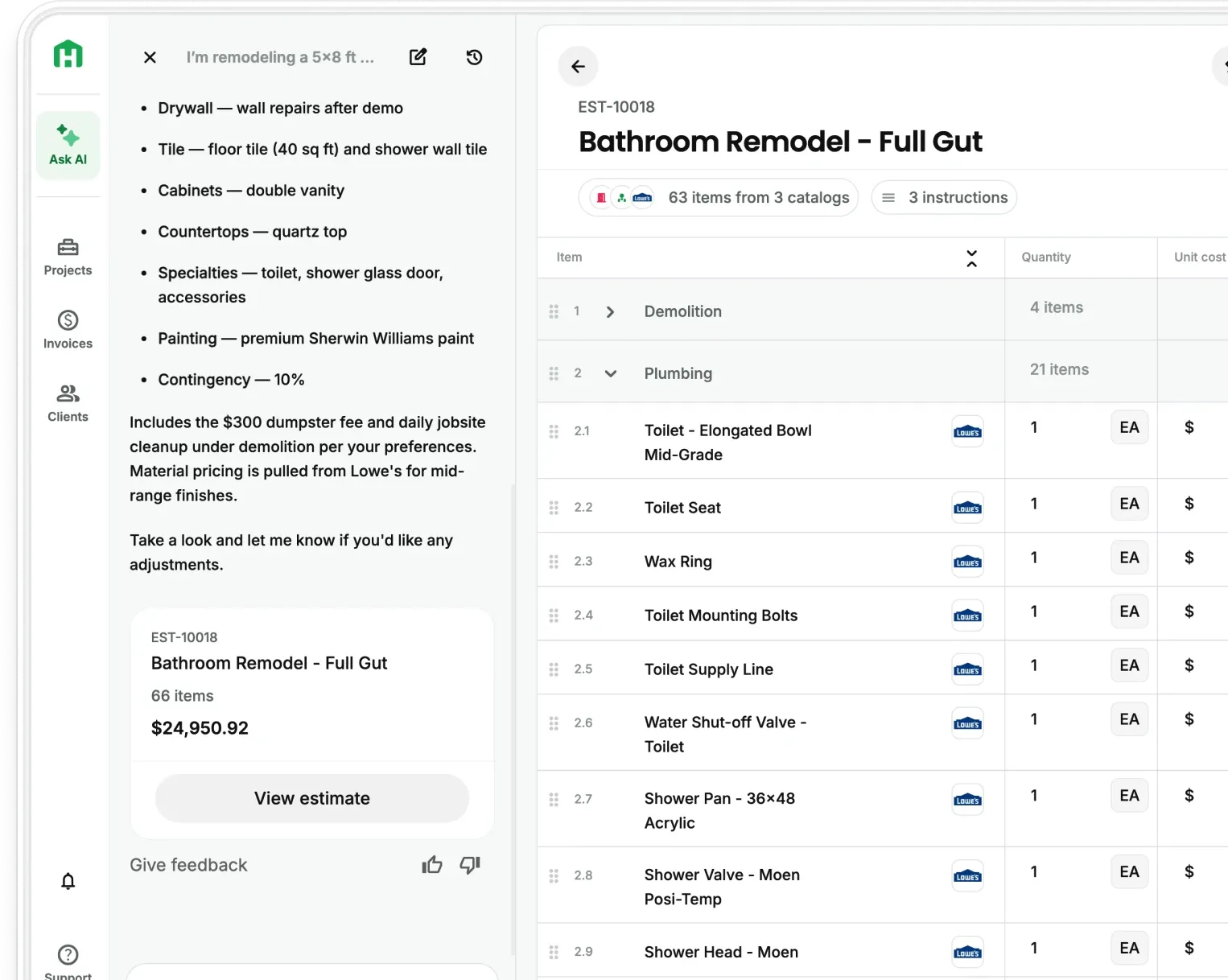
Instead of prompting a blank chat box, platforms like Handoff put AI directly inside your jobs. Estimates, site walkthroughs, photos, scopes, pricing, and documents stay connected from day one.
So when AI helps:
• It’s working off real project data
• It reflects the current scope, not an old version
• Pricing is grounded in actual materials and quantities
• Documents don’t need to be rebuilt or re-explained
• Updates, RFIs, and punch lists stay aligned with the job
Same idea as the tools you already trust. You don’t bring finish tools to rough framing. And you don’t run real projects on general-purpose software.
GC Pro Tip:
Use ChatGPT to understand what AI can do. Then use tools like Handoff when accuracy, consistency, and real job control actually matter. AI should remove steps, not add another thing you have to babysit.
That’s the difference between experimenting with AI and actually running better jobs with it.
Frequently Asked Questions (FAQ)
Can ChatGPT really help general contractors, or is it just another gimmick?
Yes, it can help, especially with the repetitive admin work that eats up your day. It’s useful for drafting safety plans, writing client updates, creating punch list templates, cleaning up subcontractor emails, and building simple internal processes faster. The key is using it for first drafts and structure, not treating it like it knows your project better than you do.
What’s the biggest downside of using ChatGPT for construction work?
It only knows what you give it. It doesn’t automatically understand your current scope, latest pricing, job photos, or what changed yesterday unless you manually feed all of that in. That means it can save time, but it can also create mistakes if you copy, paste, and send things out without reviewing them carefully.
What kinds of tasks is ChatGPT actually good at for a GC?
It’s best for communication, documentation, and process support. Think weekly client emails, subcontractor follow-ups, RFIs, safety plan drafts, punch list templates, internal checklists, and job handoff notes. It’s less useful when accuracy depends on live job data, current pricing, or connected project files.
Do I still need to review everything ChatGPT writes?
Absolutely. You should treat it like a fast assistant, not a final authority. It can help you move quicker, but you still need to check the wording, confirm the facts, and make sure it reflects the actual job conditions and company standards before sending anything to a client, sub, or inspector.
When does ChatGPT stop being enough for contractors?
It starts falling short when the work needs to stay connected to the actual job. Once you’re dealing with estimates, site photos, scope changes, pricing logic, proposals, and job-specific documents, a general AI tool becomes clunky because you have to keep re-explaining everything. That’s where contractor-specific platforms like Handoff make more sense, because the AI works inside the project instead of outside of it.
Is ChatGPT better for office tasks than field tasks?
Most of the time, yes. It shines when you need to organize thoughts, draft documents, or speed up written communication. It can support field work indirectly by helping with checklists, documentation, and updates, but it’s not a substitute for tools built specifically for jobsite execution, estimating, or project tracking.
Ready to win more jobs with less manual work? Try Handoff free →