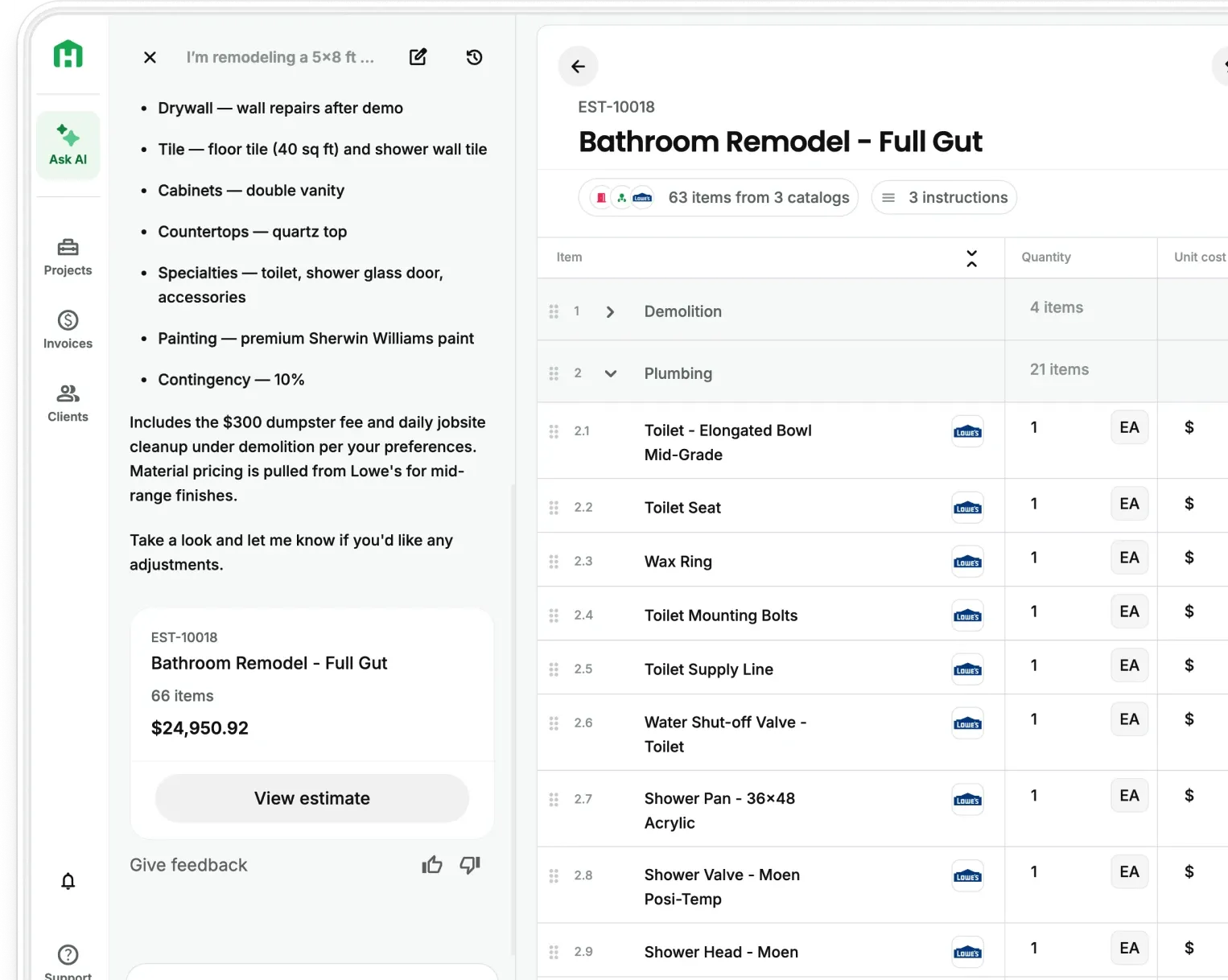
Jobs typically begin before estimating ever starts. A lead comes in, a referral is shared, or a site visit takes place.
Until now, that early work often lived outside Handoff. Leads were tracked in a CRM, photos lived in a separate app, and site notes were written down elsewhere. By the time estimating began, teams had to rebuild the job inside Handoff, which added friction and made it easier for context to get lost.
We’re introducing Lead Intake & CRM, a new update that brings the front end of the job into Handoff. Contractors can now capture leads, document site visits, assign ownership, and track activity before an estimate is created. This makes Handoff the system where jobs start, not just where estimates happen.
Start Jobs Earlier in the Sales Process
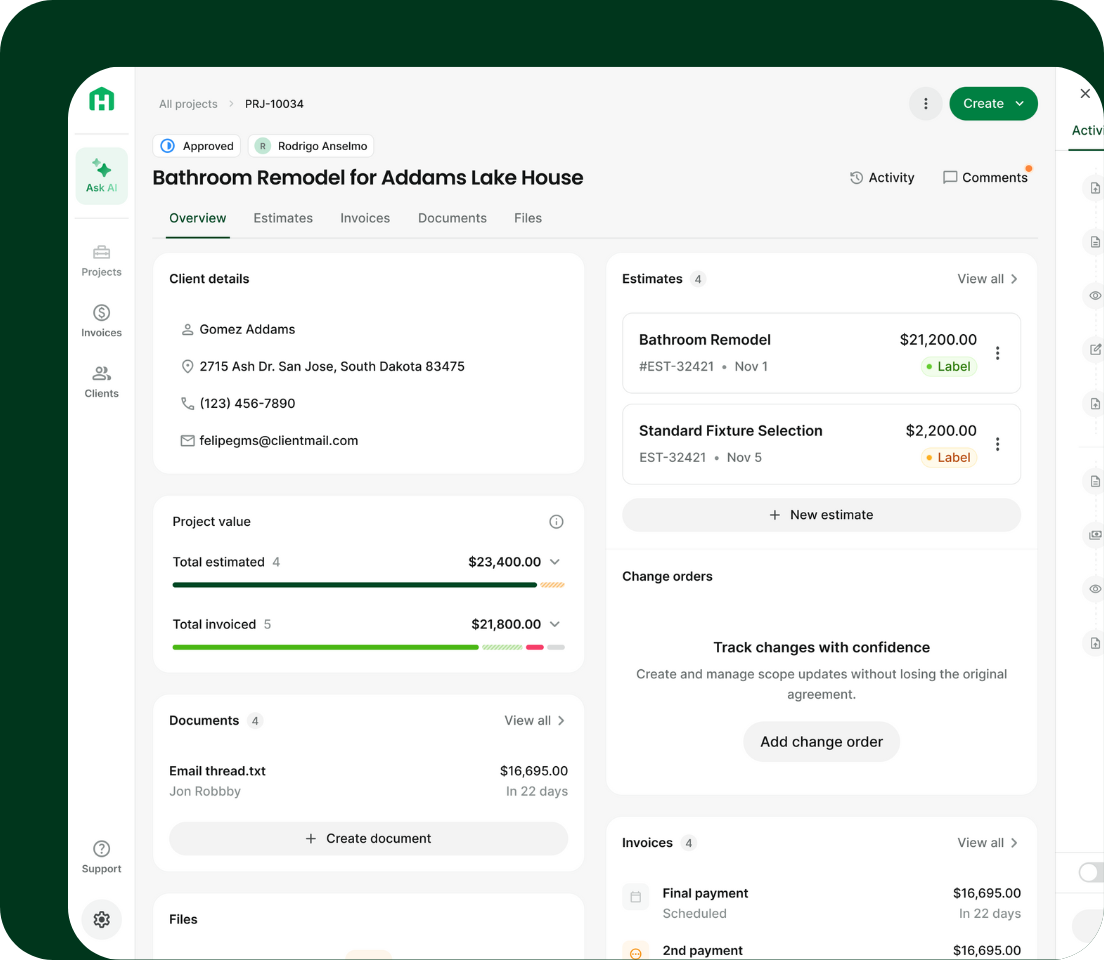
Early job information directly impacts the estimate quality.
When site visit notes are incomplete, photos are scattered, or details are missing, estimates become harder to trust. Scope gaps appear, follow-ups slip, and teams spend additional time clarifying information that should have been captured earlier.
Lead Intake brings Handoff into the earliest stage of the job, so context is preserved from the first interaction and carries forward into estimating. This changes estimating from a reconstruction exercise into a continuation of work that already exists.
Create and Track Leads Inside Handoff
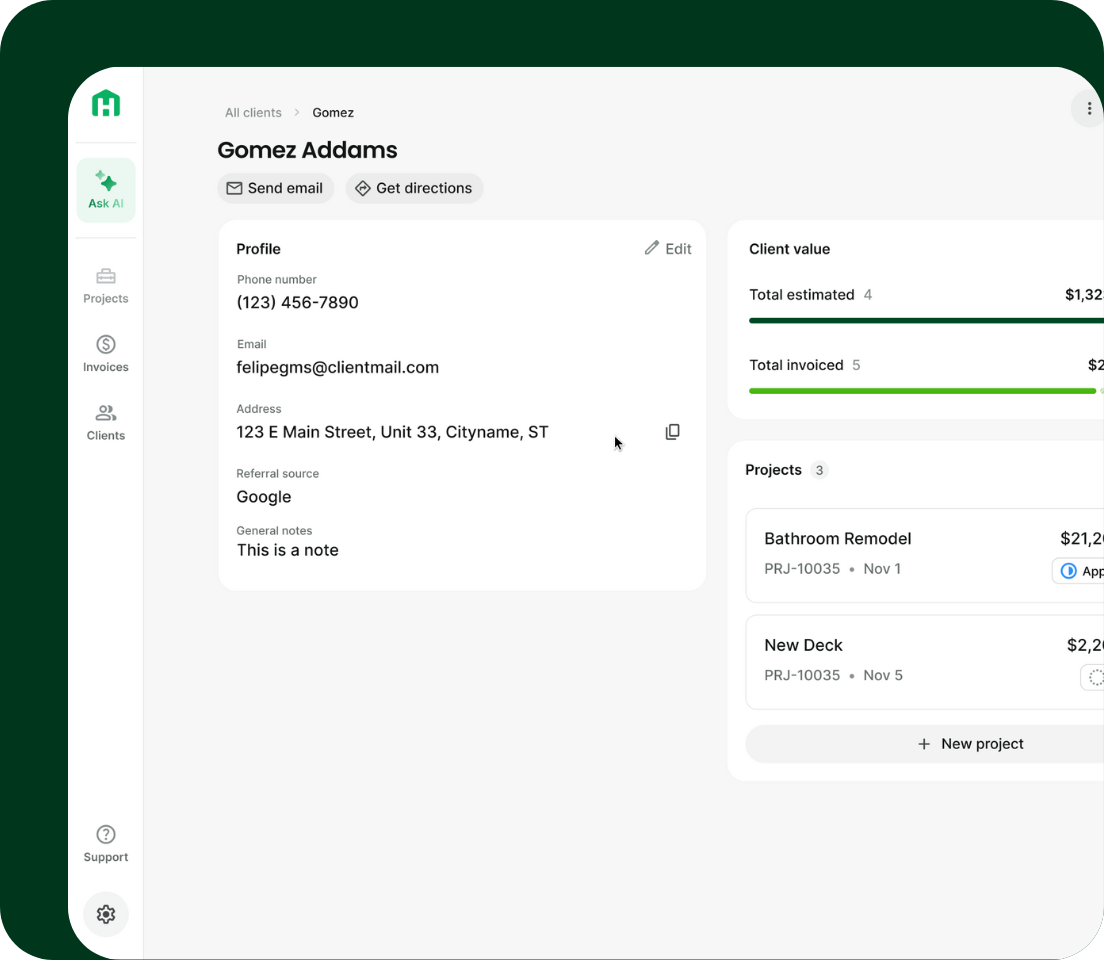
Not every inquiry is ready to become a project right away. Lead Intake gives teams a way to capture early information without committing to a full job too soon.
This allows contractors to:
- Record contact details and referral source as soon as a lead arrives
- Capture early notes and sales context before a site visit
- Keep incoming work organized without cluttering active projects
The result is cleaner intake and fewer details falling through the cracks before estimating begins.
Track Your Sales Pipeline in One Place
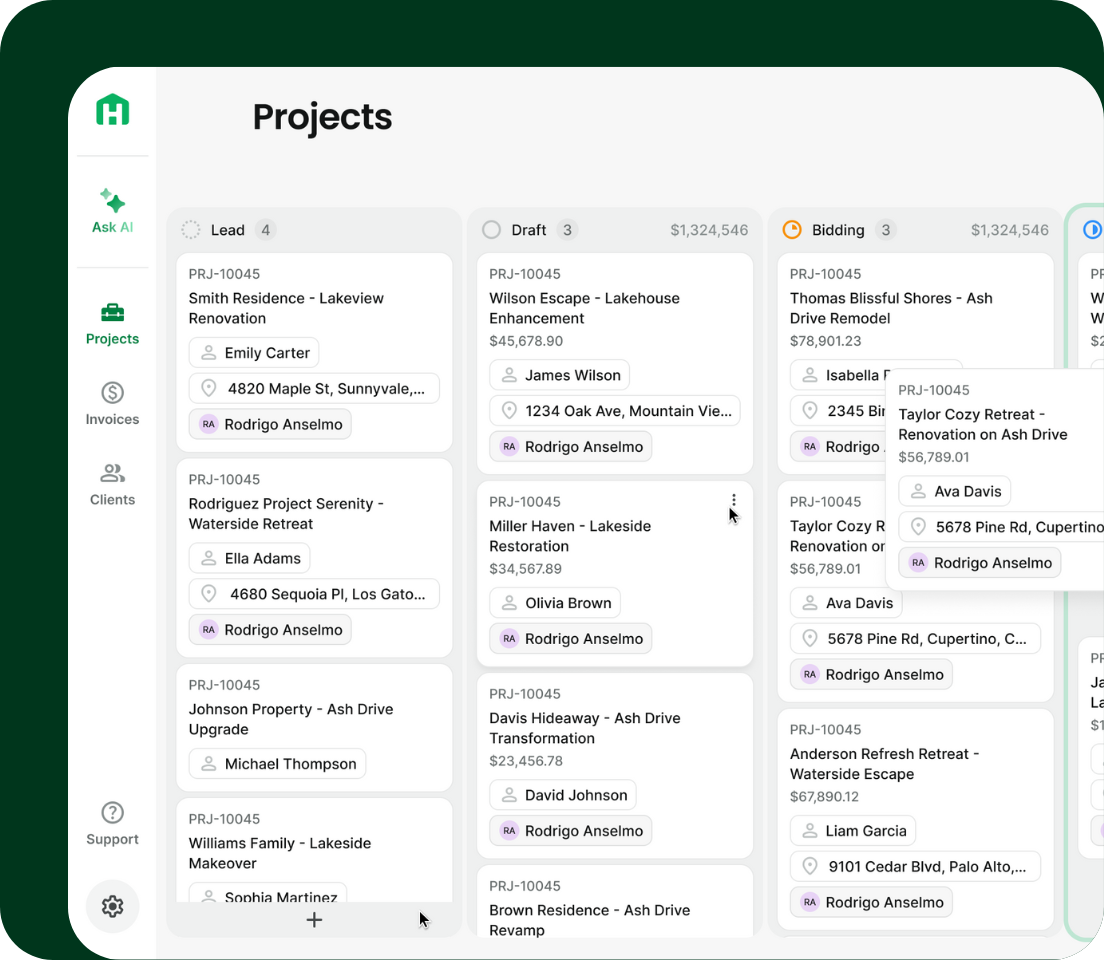
Lead Intake & CRM introduces Lead as a new project status inside Handoff, making it possible to manage early-stage work before an estimate exists.
Any project without an estimate now starts in Lead status by default. This gives teams a place to capture early information when a potential customer is still gathering details, scheduling site visits, or deciding whether to move forward.
Projects in Lead status move through a Kanban-style pipeline, giving teams clear visibility into what’s new, what’s being followed up on, and what’s ready to move into estimating. Once a job is ready, it transitions out of Lead without rebuilding the project or losing context.
This keeps sales activity, intake work, and estimating connected in one system instead of spread across tools.
Assign Leads and Track Sales Activity
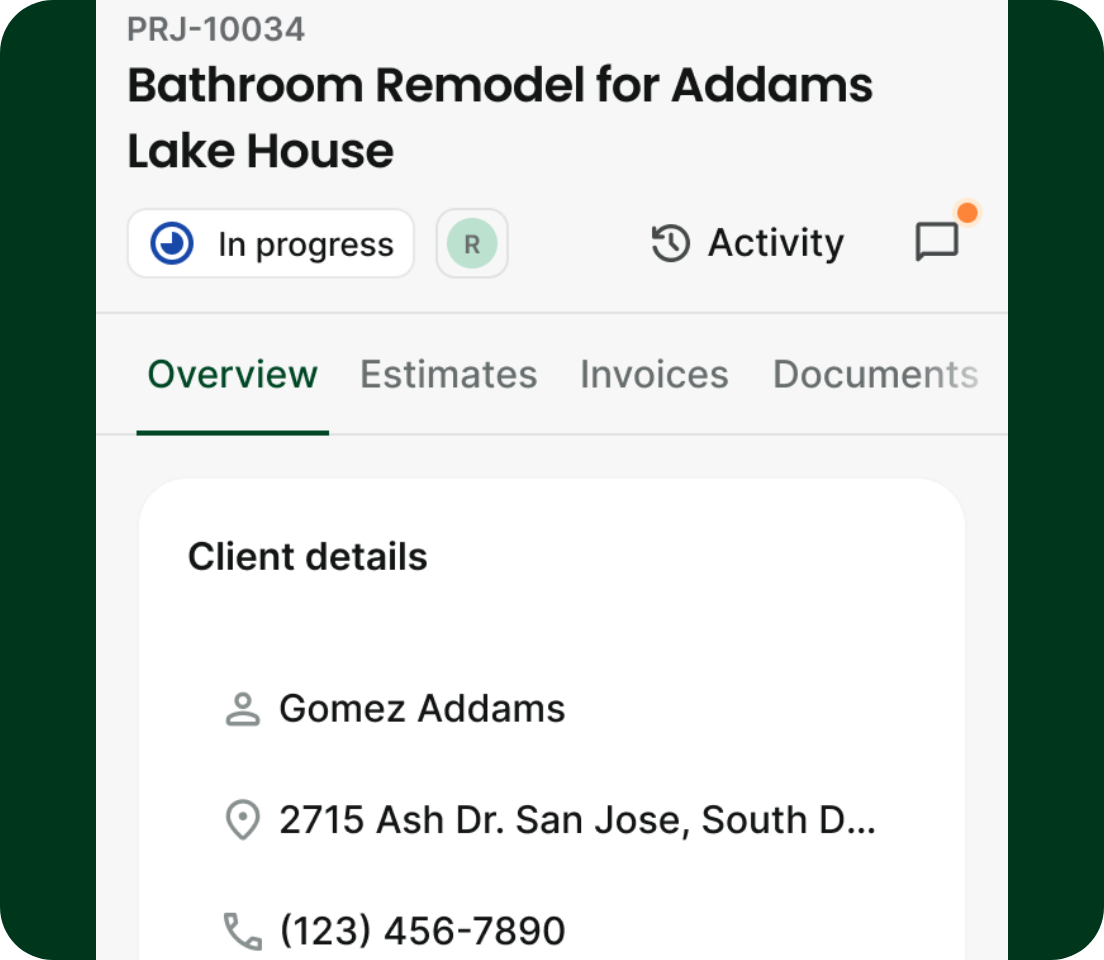
Clear ownership matters early in the sales process.
Leads and projects can be assigned to a teammate, creating accountability from the first interaction. Once assigned, that person stays informed as the job progresses, which helps teams:
- Reduce missed follow-ups
- Maintain continuity from intake through estimating
- Avoid manual handoffs between tools or people
This keeps work moving without adding administrative overhead.
Capture Site Visits With Walkthrough Mode
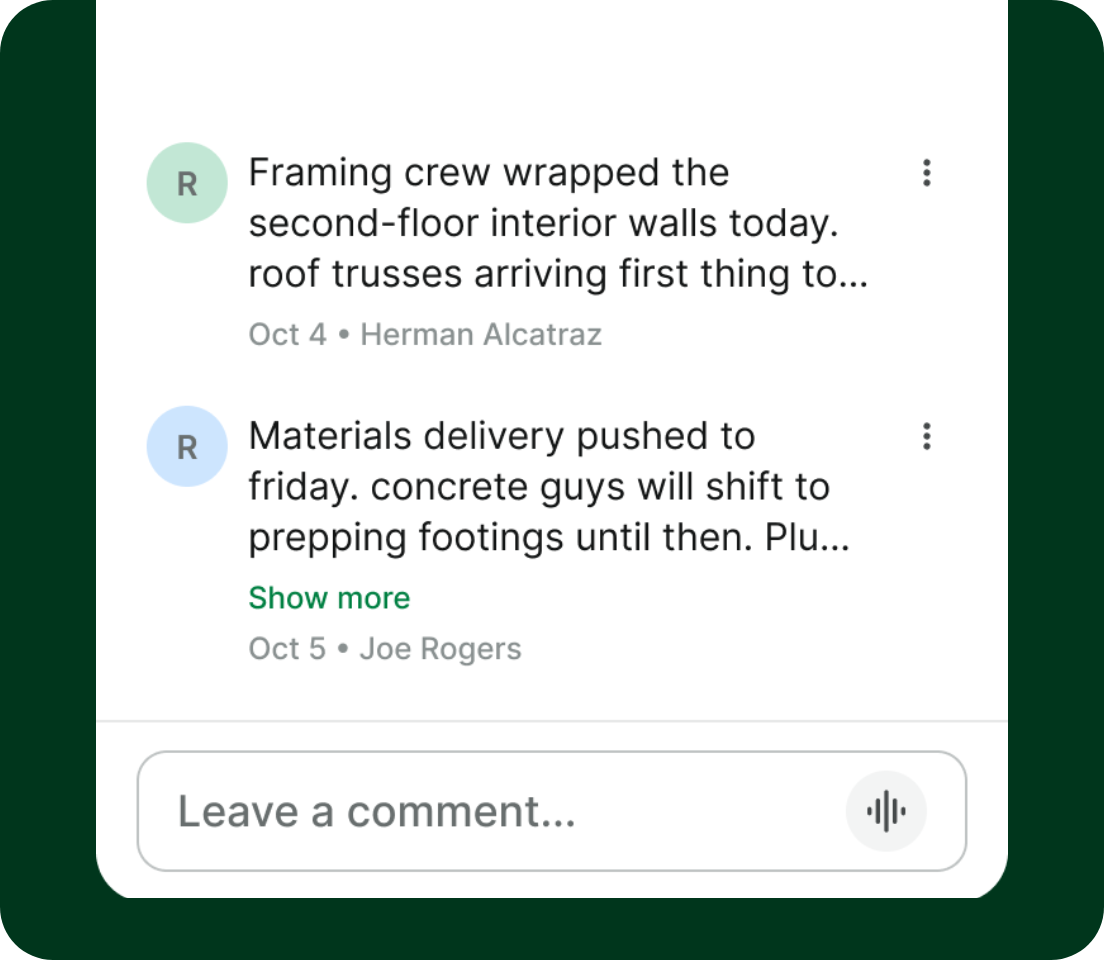
Site visits are where important details surface, but they are also where context is often lost later.
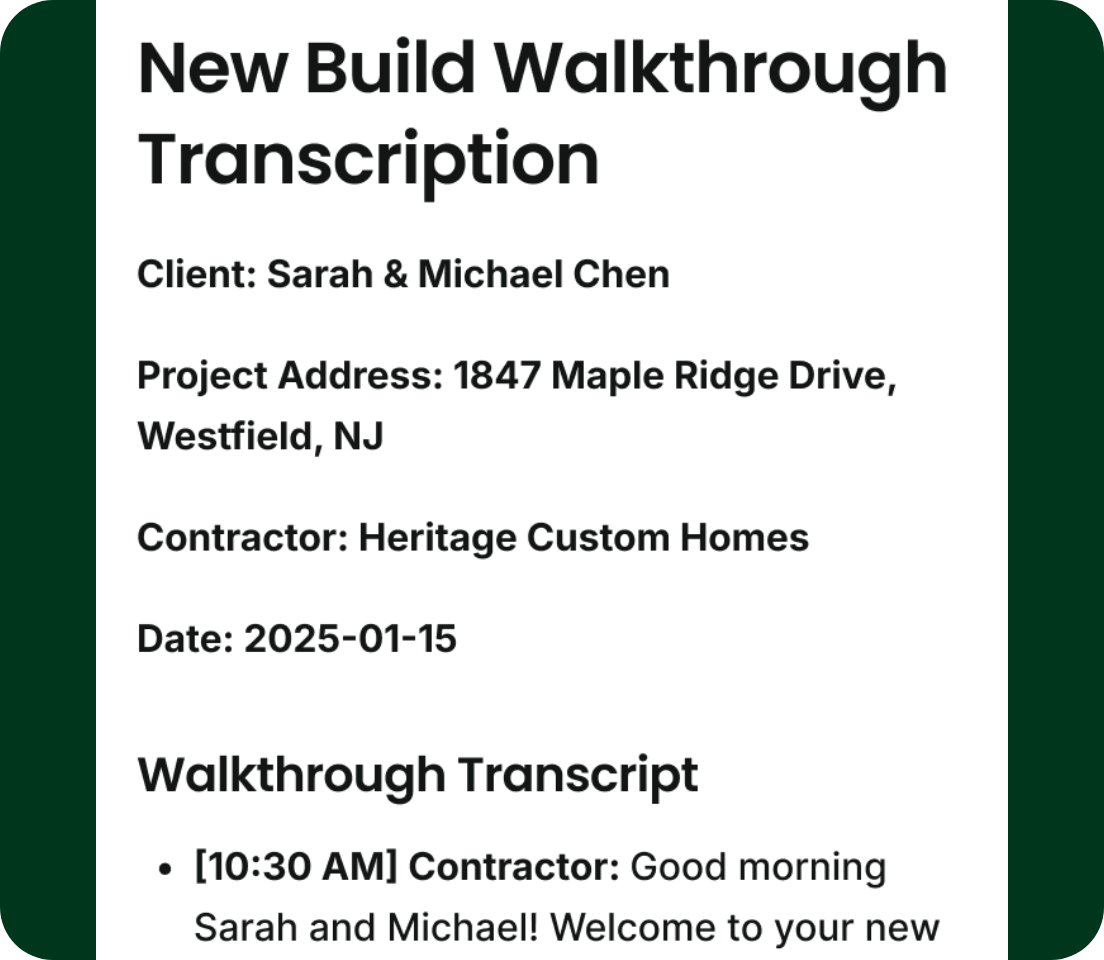
With Walkthrough Mode on mobile, contractors can capture site visits as they happen by talking through the job while taking photos. Handoff automatically turns that input into a structured site visit document.
This replaces handwritten notes and disconnected photo apps, while ensuring details collected on site actually make it into the estimate.
Turn Walkthrough Notes Into Estimates and Scopes
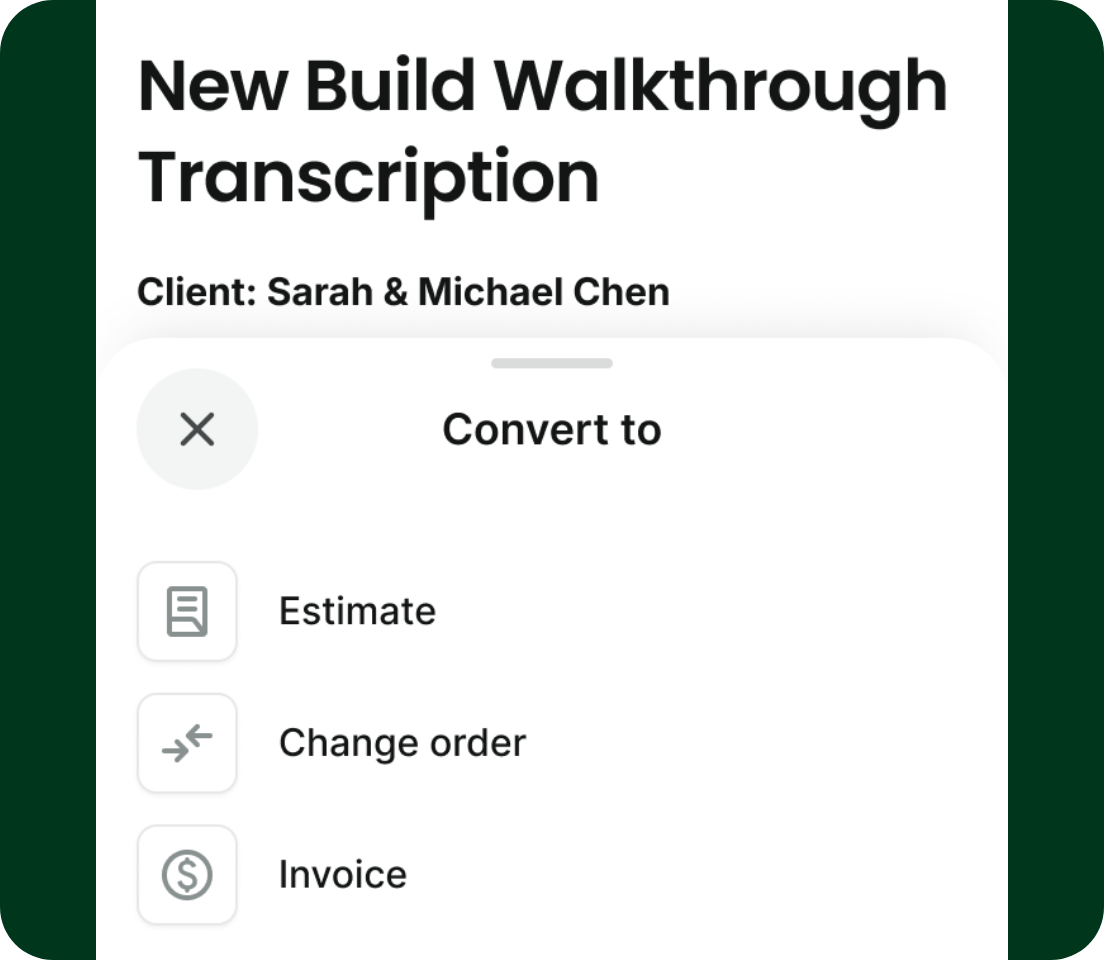
Walkthrough documents are designed to become real work, not just records.
After a site visit, notes can be reviewed and converted directly into estimates, scopes of work, or material lists. This helps teams:
- Move from site visit to estimate faster
- Avoid retyping or rebuilding the scope from memory
- Reduce errors caused by missing context
The same information captured once continues to add value downstream.
Track Activity and Keep Teams Aligned
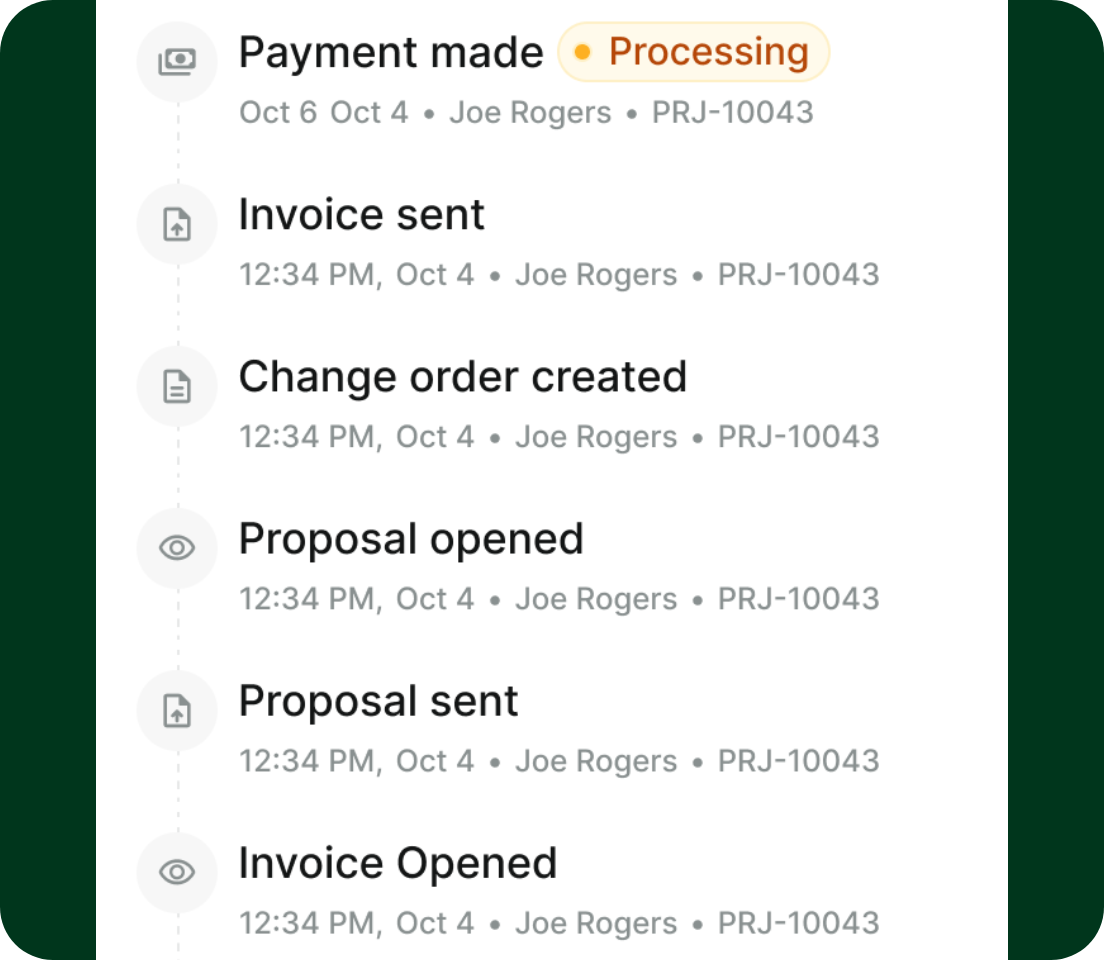
As leads move toward estimates, coordination becomes more important.
Each project now includes a shared activity feed that shows everything that happens on a job, both automatically and manually. Estimate sends, approvals, comments, and key updates all live in one timeline.
Sales teams, project managers, and owners can see the same information without relying on handoffs or separate tools. This reduces confusion, keeps follow-ups from slipping through, and helps teams make decisions with full context.
View All Client Information in One Place
Client information often becomes fragmented over time.
With Lead Intake, each client page brings together everything related to that relationship, including projects, notes, activity history, referral source, and revenue summary. This creates a single source of truth that carries forward across jobs instead of being spread across tools.
Built for Remodelers Managing Active Lead Volume
Lead Intake & CRM is built for general contractors and remodelers managing steady lead volume and ongoing follow-ups.
It works especially well for:
- Teams handling multiple site visits per week
- Businesses with sales reps or owners managing the front end of the sales process
- Contractors tired of rebuilding the same job across CRMs, photo apps, and estimating tools
Available Now
Lead Intake & CRM are now available to all users, and Walkthroughs is only available to Pro and Scale Plan users and active trials.
If you currently manage leads, walkthroughs, and follow-ups across multiple tools, you can now bring that entire workflow into Handoff and carry it through to estimating.
Start managing leads from first contact
Frequently Asked Questions (FAQ)
What is Lead Intake & CRM in Handoff?
Lead Intake & CRM is a feature that lets contractors capture leads, track early job details, and manage sales activity directly inside Handoff. Instead of using separate tools, you can handle intake, site visits, and estimating in one place.
How does Lead Intake improve the estimating process?
Lead Intake improves estimating by capturing important details earlier. When notes, photos, and client information are organized from the first interaction, estimates are built with better context and fewer missing scope items.
Can I track leads and my sales pipeline in Handoff?
Yes. Handoff includes a Lead status and a pipeline view that lets you track where each opportunity stands. You can see new inquiries, follow-ups, and jobs ready for estimating without switching between tools.
Can I assign leads to team members in Handoff?
Yes. Leads and projects can be assigned to specific team members, which helps create accountability and ensures follow-ups don’t get missed. This also keeps communication and ownership clear as jobs move forward.
How does Handoff help with site visits and walkthroughs?
Handoff includes Walkthrough Mode, which lets contractors capture notes, photos, and observations during a site visit. That information is turned into structured job data that can later be used for estimates, scopes, and documentation.
Why use Handoff instead of a separate CRM and estimating tool?
Using one platform keeps everything connected. Instead of rebuilding jobs across multiple tools, Handoff carries lead data, walkthrough details, and sales activity directly into estimating. This reduces admin work, prevents lost context, and helps teams move faster from first contact to signed job.