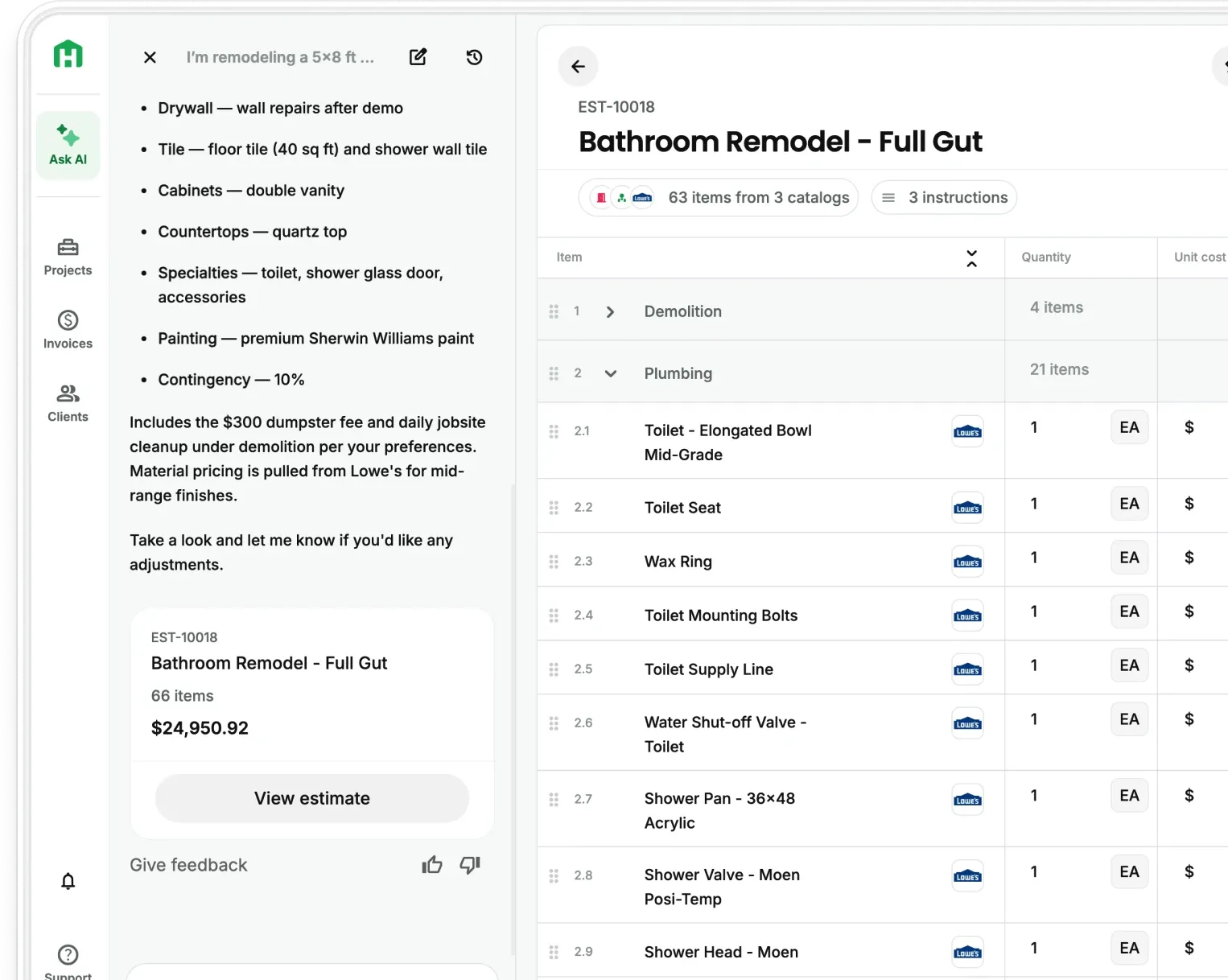
Most general contractors today are only scratching the surface of what AI can do for their business. They’re using it to write a few emails… maybe draft a proposal… and that’s about it.
But AI can do far more than that.
Used the right way, AI becomes a second brain for your company. It can help you make better decisions, standardize workflows, avoid costly mistakes, and turn day-to-day experiences into assets that compound over time.
Below are 19 practical and surprisingly underused ways GCs can use AI to improve operations, communication, profitability, and personal decision-making inside their construction business.
These strategies aren’t theory, they’re battle-tested, real-world applications you can start using right away.
1. Build a “Master Prompt” for Your Construction Business

Think of a master prompt like a business handbook for your AI.
Instead of starting from scratch every time you ask a question, you feed AI:
- your company values
- target projects
- strengths & weaknesses
- preferred margins
- service locations
- communication style
Then AI answers every question through your business lens.
How to create it
Ask ChatGPT:
“Help me create a master prompt for my construction business. Ask me questions about my company, projects, clients, processes, and values so you can understand how I operate.”
Answer the questions → save the final prompt as a PDF.
Anytime you start a new conversation:
Upload the PDF first.
Now AI responds like a strategic partner who already understands your business.
2. Use AI as a “Hidden Truth Mirror” for Business Blind Spots

Most business problems are invisible when you’re too close to them.
AI can spot patterns you might miss.
Upload things like:
- project reports
- client feedback
- internal team communication
- change order notes
- warranty call trends
Then ask:
“Identify trends, recurring risks, blind spots, and unseen issues in my business that I might not be noticing.”
You may discover:
- consistent scheduling bottlenecks
- subs causing repeat delays
- communication breakdowns
- pricing weaknesses
- recurring mistakes across projects
AI shows you what you don’t know you’re missing and that insight is invaluable.
3. Create a Decision-Making Journal
AI can also help you make better business decisions over time.
Log strategic decisions into ChatGPT:
- what you decided
- why you chose it
- expected outcome
- risk concerns
Then ask it to:
“Challenge my thinking, identify flaws, and help stress-test this decision.”
AI won’t push back unless you tell it to — so ask for it directly.
Over time, you’ll see patterns in your decisions and outcomes, which helps improve judgment.
4. Turn Jobsite Videos Into Checklists & SOPs
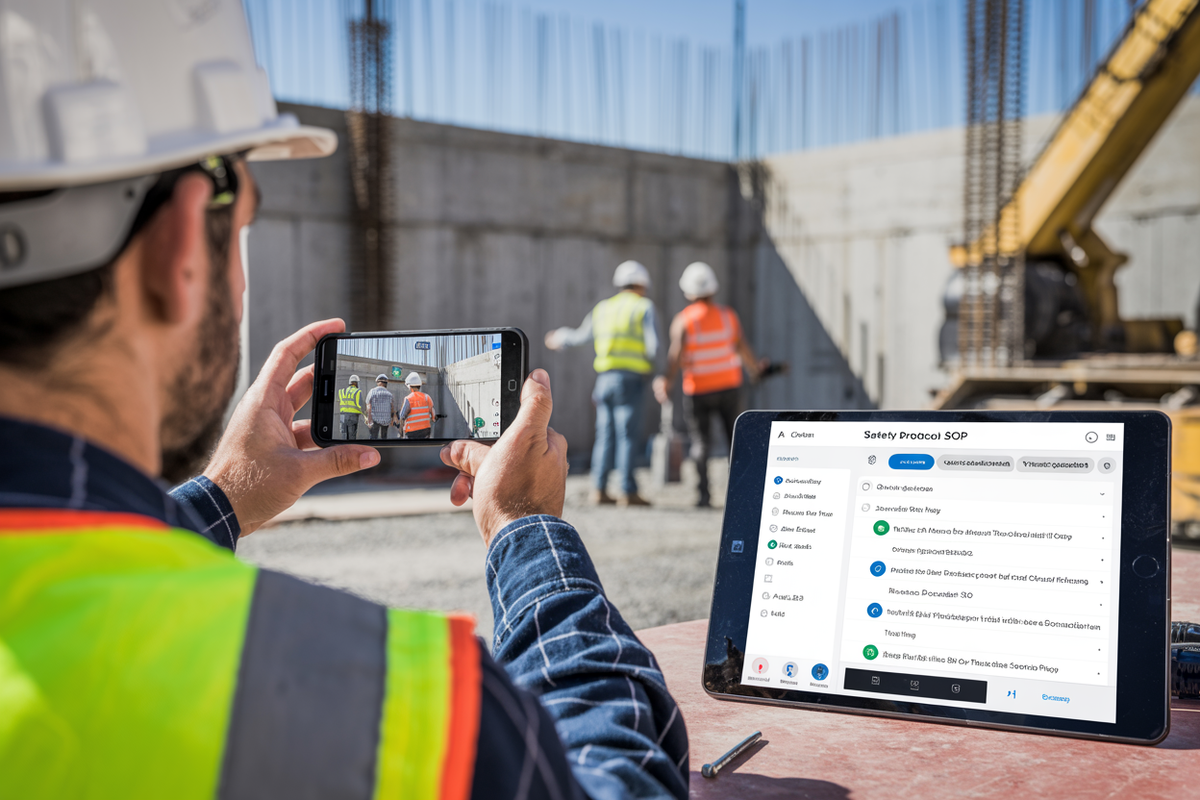
If you’ve ever walked a crew member through a task and thought…
“I wish I could turn this into a repeatable checklist…”
AI can do it for you.
Upload:
- jobsite videos
- walkthrough recordings
- raw notes or transcripts
Ask AI to create:
- a one-page checklist
- pitfalls to avoid
- best-practice reminders
You now have:
- training material
- SOPs
- onboarding tools
- repeatable standards
This is one of the fastest ways to document tribal knowledge and get your team performing consistently.
5. Break Down Business Goals Into Action Plans

Most GCs have big goals, but no action plan.
Tell ChatGPT:
- your business goal
- revenue target
number of projects - service expansion
Then ask:
“Create a 30-60-90 day action plan to reach this goal with weekly tasks and milestones.”
You’ll get:
- step-by-step objectives
- priorities
- execution schedule
It’s like having a consultant helping you map the path forward.
6. Generate Realistic Project Visualizations

Instead of hunting for images or paying for design mockups…
AI can help create realistic renderings based on:
- project notes
- architectural concepts
- design direction
You can use visuals for:
- client presentations
- marketing assets
- website portfolios
- proposal packages
Clients love seeing the finished vision before work begins and it builds trust fast.
7. Automate Financial Planning & Wealth Systems

AI can help you create a simple, automated financial plan tailored to your situation.
Ask ChatGPT to:
“Build a pay-yourself-first financial system for my income, expenses, emergency fund, investments, and debt payoff based on my situation.”
It won’t replace a financial advisor, but it gives you:
- structure
- clarity
- cash-flow awareness
The hardest part of money management is consistency.
AI helps you automate discipline when motivation dips.
8. Use AI to Identify Tax Deductions & Grants

First…always consult a CPA.
But AI can help you spot things worth asking about.
Upload:
- business expenses
- equipment purchases
- travel records
- subcontractor payments
Then ask:
“Identify likely deductions, credits, and grants I may qualify for and create a monthly tax-tracking checklist.”
You may uncover opportunities you weren’t even aware of.
9. Build a Personal “Board of Advisors”

You may not have direct access to industry mentors, but AI can simulate one.
Ask ChatGPT:
“Identify leaders and entrepreneurs in construction who have achieved the type of success I’m aiming for.”
Then create AI personas modeled on their:
- decision-making approach
- leadership style
- growth philosophy
You can ask:
- “How would this person handle hiring?”
- “How might they scale this division?”
- “What would they prioritize first?”
It’s not perfect, but it gives you new perspectives and thinking frameworks.
10. Create a Context-Aware “Second Brain” for Each Project

Set up AI project folders with:
- contracts
- specs
- emails
- change orders
- budgets
- schedules
Then ask AI:
“Use everything in this project file as context. Here’s the new situation, help me think through the implications.”
Now when scope changes or conflicts arise…
AI already understands the full picture and responds intelligently.
It becomes a thinking partner, not just a tool.
11. Learn New Skills Through “Just-In-Time Learning”
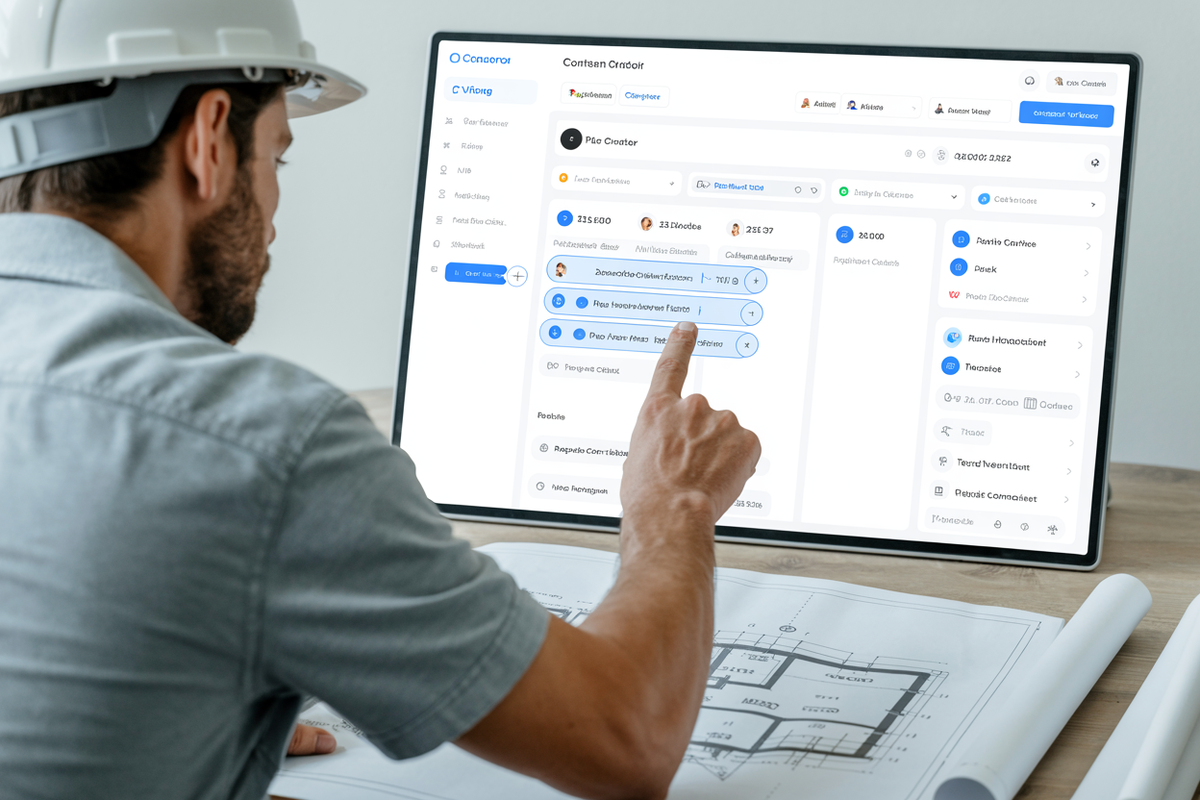
Instead of wasting hours watching tutorials…
Ask AI:
“Teach me the 20% of features in this software that will produce 80% of the results for my business right now.”
You get:
- a focused learning path
- no fluff
- step-by-step guidance
Perfect for:
- project management platforms
- estimating tools
- CRM systems
Learn only what matters, when it matters.
12. Turn Meetings Into Actionable Assets
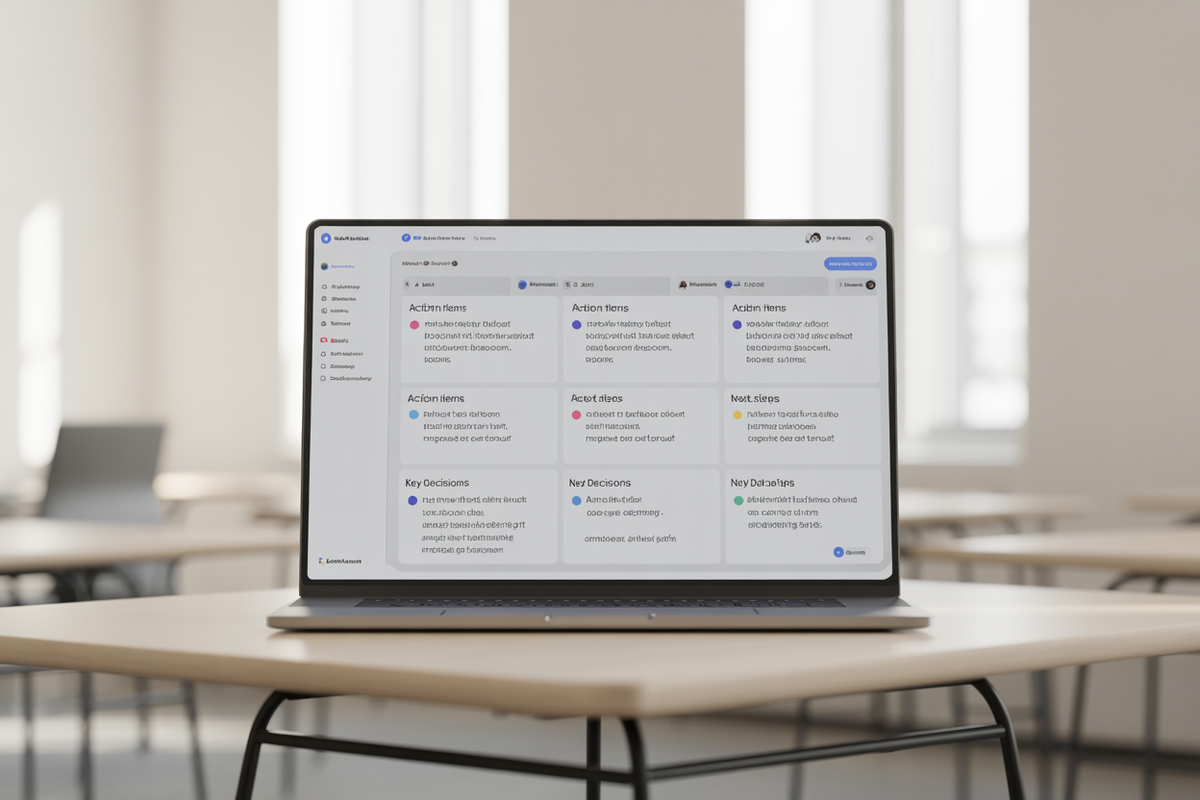
Upload Zoom or call transcripts into AI and ask:
“Summarize decisions, extract action items, highlight risks, and assign tasks.”
You instantly get:
- task lists
- follow-up priorities
- accountability notes
Meetings stop being time-sinks…
They become operational fuel.
13. Use AI for Risk Assessment & Scenario Planning

Talk through major decisions with AI:
- restructuring
- growth moves
- staffing changes
- new service lines
Then ask:
“Identify risks, downsides, and unintended consequences of this decision.”
And follow up with:
“Sell me on why this may be the right move, then help me stress-test it.”
AI helps you see both sides of the decision, before you commit.
14. Use AI as a “Message Sharpener”
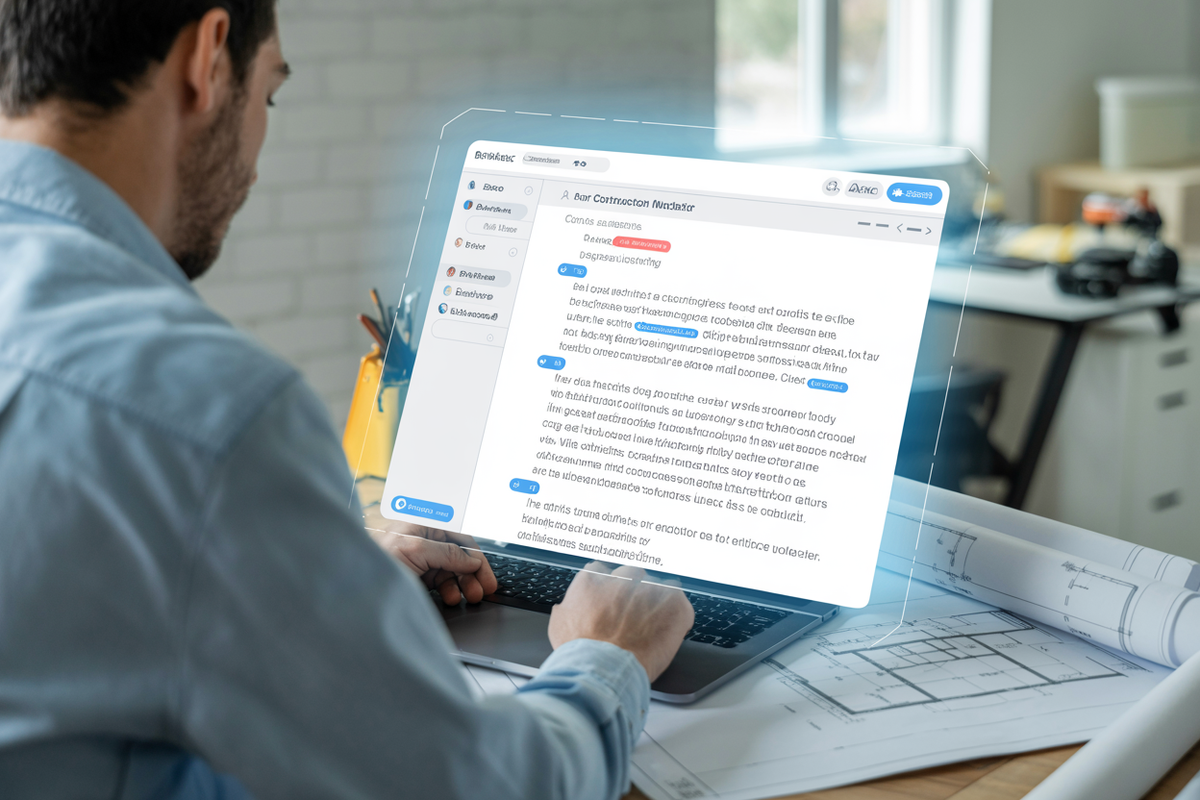
Whether someone tends to under-communicate or over-explain…
AI can help rewrite messages to be:
- clearer
- kinder
- more professional
- more concise
Simply say:
“Rewrite this message in a respectful, direct tone that is clear, professional, and solution-focused.”
It removes emotional friction from tough conversations.
15. Plan Logistics for Out-of-Town Projects
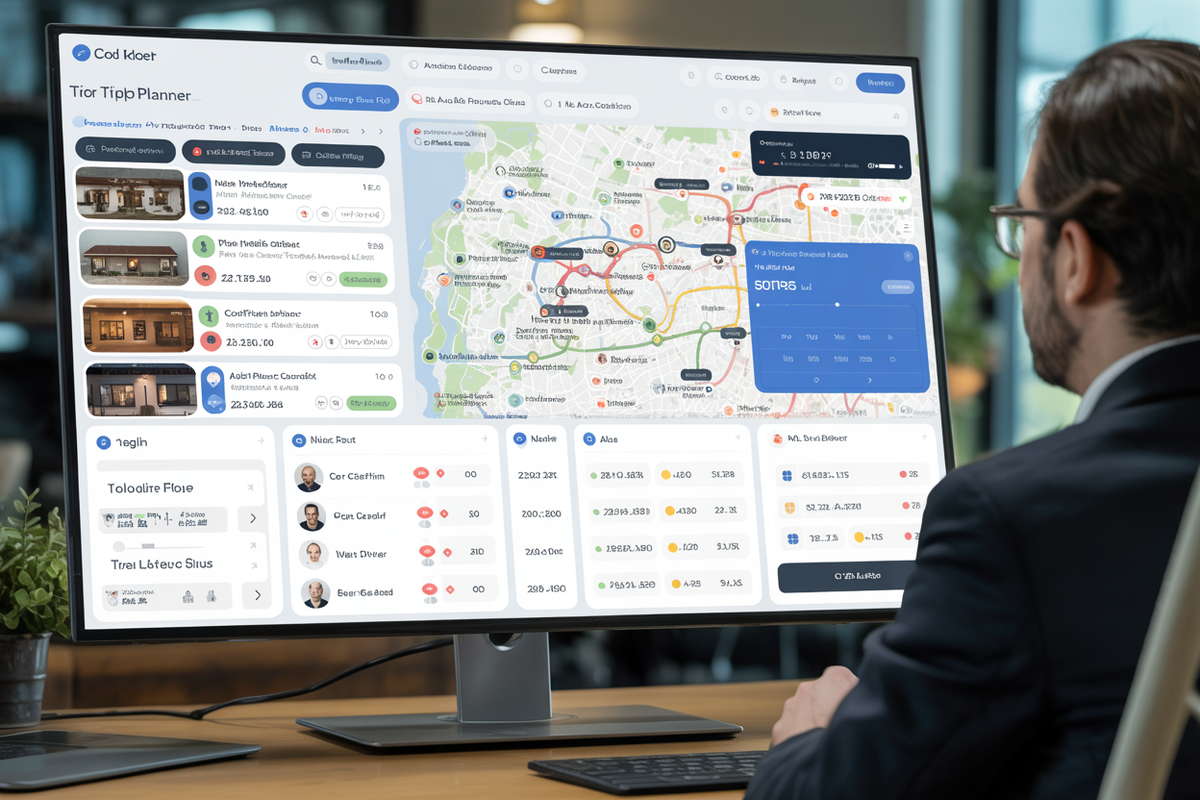
Provide:
- dates
- travel plans
- budget
- crew size
- supplier needs
Then ask AI to:
- map best routes
- list lodging options
- identify nearby material suppliers
You save hours of planning and reduce overwhelm.
16. Turn Project Memories Into Powerful Content

Ask AI to interview you about:
- lessons learned
- project mistakes
- breakthroughs
- client transformations
Then request:
“Rewrite each story into a Point-Story-Lesson format for content.”
This produces:
- marketing posts
- email stories
- speaking material
- training content
Your experiences become teachable and shareable.
17. Use AI to Translate Contracts Into Plain English

Upload a contract and ask:
“Rewrite this contract in simple language and highlight the riskiest terms I need to pay attention to. Also list three questions I should ask my lawyer.”
This helps you:
- understand obligations
- spot red flags
- prepare better questions
It doesn’t replace legal advice, it improves it.
18. Draft Contracts Before Sending to a Lawyer

Explain your situation in detail and ask AI to:
“Draft a professional contract based on this scenario. Ask any clarifying questions needed first.”
Then refine → then send to your attorney.
This saves:
- billable hours
- back-and-forth revisions
- drafting costs
Your lawyer edits — instead of starting from scratch.
19. Roleplay Tough Conversations Before Having Them

Whether it’s:
- a difficult client call
- a sub who keeps slipping deadlines
- a crew performance issue
- a financing conversation with a bank
Ask AI to:
“Act as the other person in this situation and roleplay a realistic conversation with me.”
Walk through scenarios.
Practice responses.
You’ll go into the real conversation more confident and collected.
Final Thoughts: Start With Just One AI Workflow

Don’t try to implement all 19 ideas at once.
Pick one process in your business where AI could:
- save you time
- reduce risk
- improve decisions
- create consistency
Start there.
As you build momentum, AI shifts from being a novelty…
…into a real strategic advantage in your construction business.
Frequently Asked Questions (FAQ)
What’s the biggest mistake contractors make when using AI?
They keep it at surface level. Most GCs use AI for writing emails or small tasks, but the real value comes from using it to support decisions, standardize workflows, and organize information across projects.
Where should a contractor start if they’ve never used AI seriously?
Start with one high-friction area. That’s usually estimating, meeting summaries, or turning jobsite notes into checklists. The goal is to save time immediately, not learn everything at once.
Can AI actually help run a construction business, or just support small tasks?
It can absolutely support the business. When used properly, AI helps with planning, risk assessment, documentation, communication, and decision-making. It becomes more like a second brain than a simple tool.
How do you make AI responses more relevant to your specific business?
By giving it context. Things like your company values, pricing approach, project types, and communication style help AI respond in a way that actually fits how you operate instead of generic advice.
Is AI reliable enough to trust with important decisions?
It’s best used to support decisions, not replace them. AI is great at organizing information, spotting patterns, and challenging your thinking, but final judgment should always come from you and your team.
Why do contractors who use AI properly get ahead faster?
Because they remove friction. They spend less time on repetitive work, make decisions faster, stay more organized, and respond quicker to opportunities. Over time, that consistency compounds into better results.
Ready to win more jobs with less manual work? Try Handoff free →