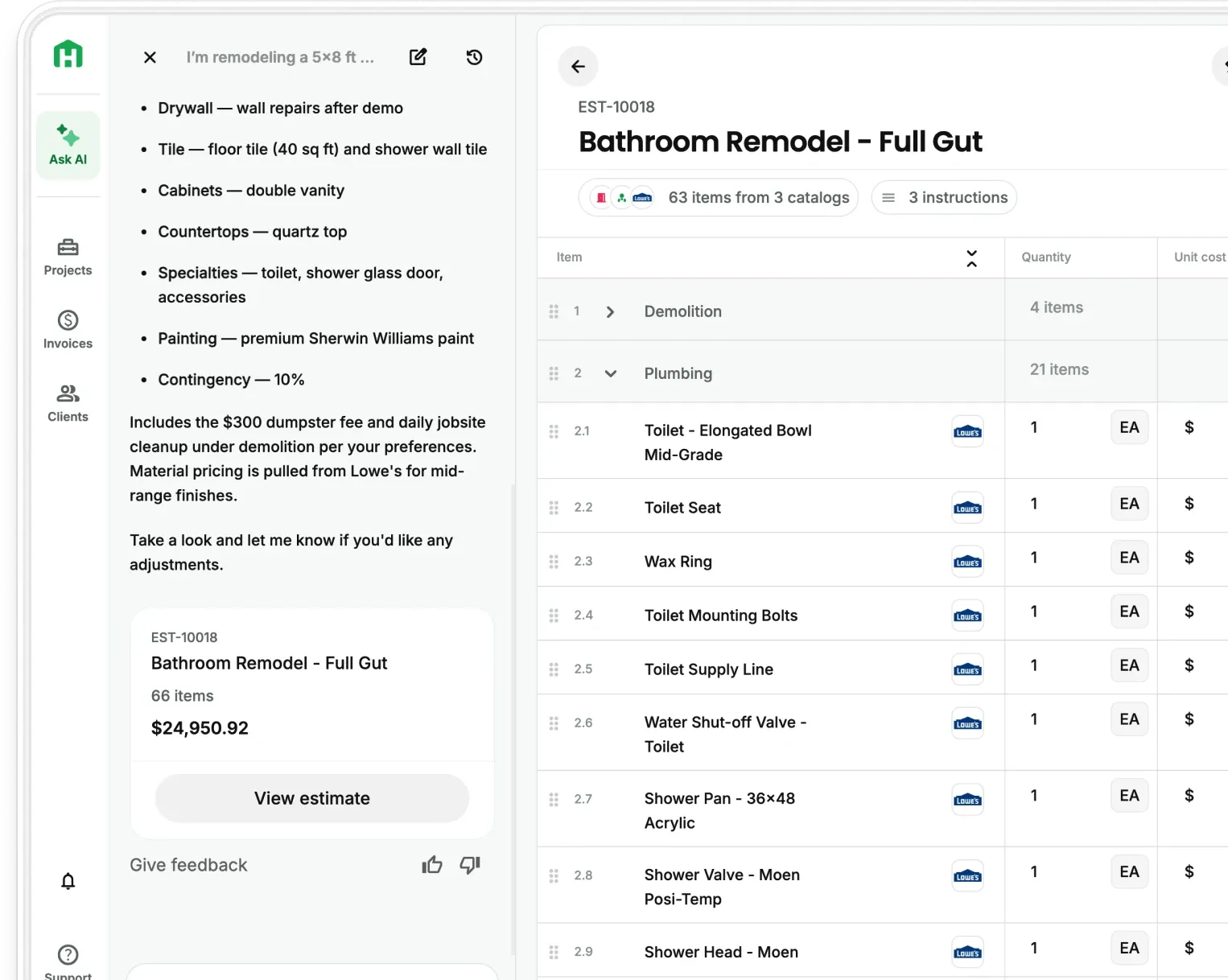
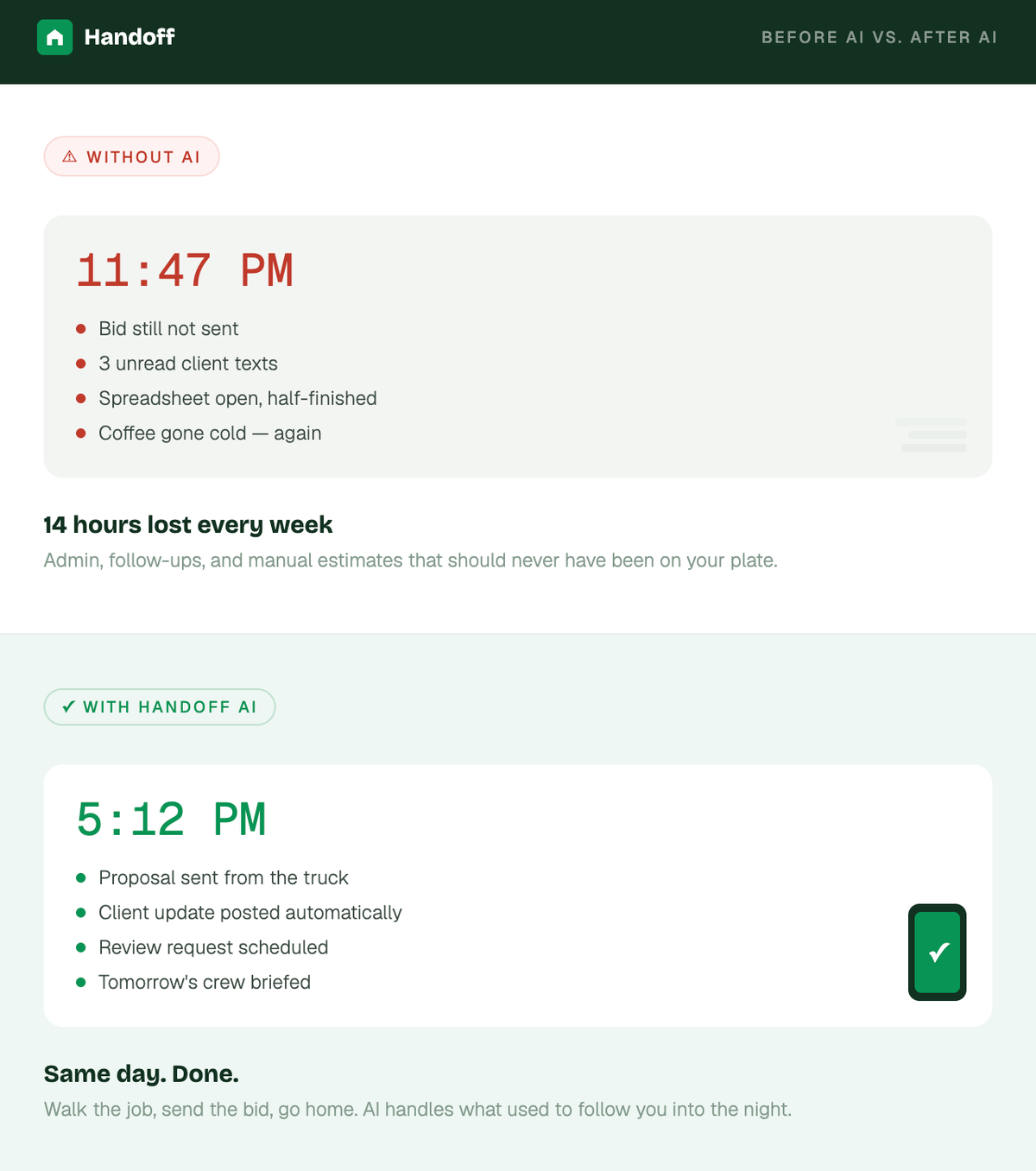
When you're estimating by hand, accuracy no more than a guess dressed up in a spreadsheet. The same goes for your whole operation. Construction professionals lose an average of 14 hours per week to admin, coordination, and chasing information. AI doesn't replace your expertise. It replaces the work that was eating your evenings.

1. Use AI to win more bids and attract better clients
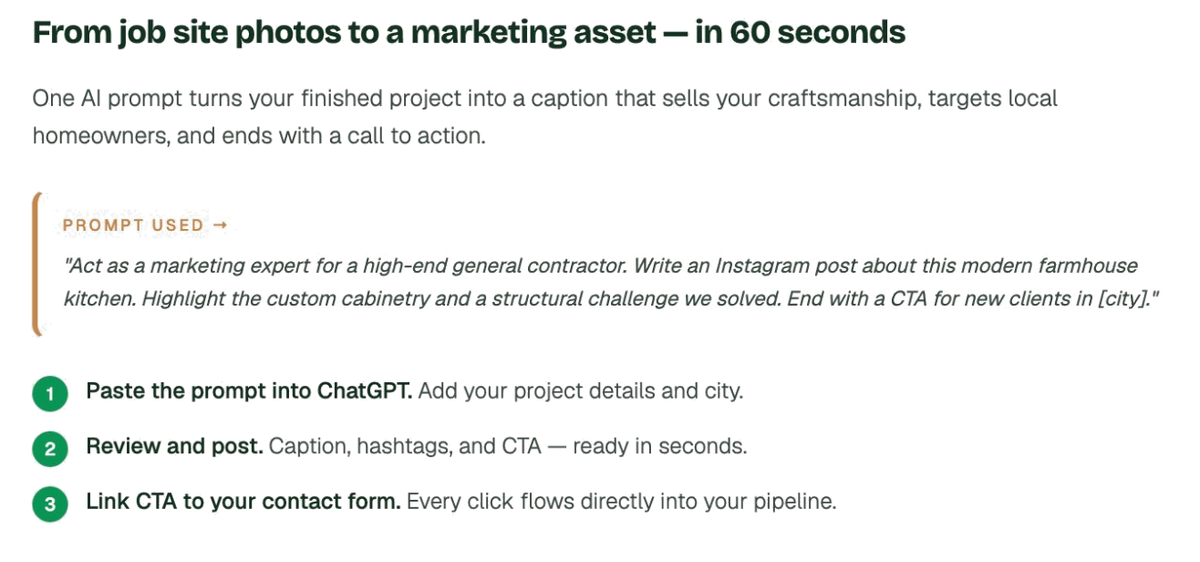
You just wrapped a stunning kitchen remodel. Most contractors toss a few photos on social media and call it a day. With AI, you turn that project into your next marketing asset in about 60 seconds.
Try this prompt:"Act as a marketing expert for a high-end general contractor. Write an engaging Instagram post about this modern farmhouse kitchen remodel. Highlight the custom cabinetry and how we solved a structural challenge. End with a call to action for new clients in [city]."
In seconds you have a polished, professional caption that sells your craftsmanship. Link that call to action to a contact form and every lead gets organized automatically. Your marketing goes from chaotic to consistent without adding a single hour to your week.
- AI writes the caption — you approve and post
- Every lead that clicks flows directly into your pipeline
- 97% of consumers search online before hiring a contractor. This is where they find you
2. Run your team like a well-oiled machine
Job site chaos kills profit. When communication breaks down, efficiency follows. The fix is clearer ones.
Try this prompt:"Create a weekly team meeting agenda for the 123 Main Street project. Cover safety, last week's milestones, this week's critical path, and assign action items with owners and deadlines."
You get a clean, professional agenda in seconds. Drop those action items into Handoff and each task gets assigned with a deadline and real-time visibility. Your team stops guessing because everyone knows exactly what needs to happen next and when.
3. Build iron-clad client trust from day one
Every successful project begins with clear communication. The moment a client signs, set the tone.
Try this prompt:"Write a warm, professional welcome email for a new kitchen remodel client. Include what to expect in week one, how we handle communication, and how change orders work. Keep it clear and reassuring."
Save it as a template inside Gmail. Set a CRM rule: whenever a project is marked Won, the system sends the email automatically. From day one, clients see an operation that is buttoned-up, transparent, and professional. Three words that lead directly to referrals.
- Client gets a professional first impression before you lift a finger
- Expectations are set upfront, which reduces callbacks and confusion mid-project
- A consistent onboarding process signals that you run jobs the same way — reliably
4. Turn delays into trust-building moments
Delays happen. It's not the delay that damages your reputation, it's how you communicate it.
Try this prompt:"Write a professional, empathetic client update explaining that a window order has been pushed back three weeks. Include the new timeline, how we're re-sequencing tasks to minimize impact, and reassure the client that the project is under control."
Post it directly in your client portal. Update the project schedule so they can see the revised plan. Now you're you're proving you’re in control. That's how you turn bad news into a moment of credibility.
- Calm, clear communication during a delay builds more trust than a perfect project with no updates
- Clients who feel informed don't escalate — clients who feel ignored do
- A written update in the portal creates a record that protects you if questions come up later
5. Get 5-star reviews without the awkward ask
You finished the job. The client is thrilled. But asking for a review feels awkward so you move on and lose the marketing opportunity.
Try this prompt:"Write a friendly, personalized email to send after completing a kitchen remodel. Thank the client, mention one specific thing that turned out great on the project, and include a direct link to our Google Business Profile with a simple ask for a review."
Set a CRM rule: project status equals Complete, wait seven days, send the review request. Every satisfied client gets a polished, timely message without you lifting a finger. Your reputation automatically compounds month after month.
- Contractors who ask for reviews consistently out-rank those who rely on clients to volunteer them
- Personalizing the email with a specific project detail doubles open and response rates
- 98% of consumers read reviews before hiring a local business. Every review you collect is a sales asset
The bottom line: build smarter, not harder
The construction industry is shifting fast. The builders who thrive will be the ones who stopped doing manually what a machine can do better.
Where to start:
- Pick one of the five plays above and try the prompt this week
- See how much time it saves before adding the next one
- Build from there until the admin runs itself
AI isn't here to replace your experience. It's here to amplify it. The goal is you can focus on what you do best: building quality work, leading great crews, and serving clients with a level of communication that makes them call you first on the next job.
Other FAQs about AI in construction
How are contractors using AI in their business today? Contractors are using AI to write estimates, manage client communication, organize leads, and create marketing content. Instead of doing everything manually, AI handles the day-to-day work that usually slows projects down — freeing up time for the work that actually moves the business forward.
Can AI really help contractors save time on admin work? Yes. Construction professionals spend an average of 14 hours per week on non-billable admin tasks. AI can automate a large portion of that — emails, follow-ups, agendas, review requests — and reduce the time spent on work that doesn't pay.
What is the best way to start using AI in a construction business? Start with one repetitive task. Write one client email with AI. Create one meeting agenda. See how much time it saves. Once you see the result in one area, expanding into estimates, scheduling, and client communication becomes obvious.
Can AI help me win more construction bids? Yes — especially by improving speed and consistency. AI helps you respond to leads faster, create clearer proposals, and follow up more reliably. That combination increases close rates without lowering your price.
Will AI replace contractors or estimators? No. AI handles repetitive and administrative work so you can focus on decisions, client relationships, and delivering quality projects. Think of it as a tireless assistant that never forgets to send the follow-up — not a replacement for the person running the job.
Ready to win more jobs with less manual work? Try Handoff free →