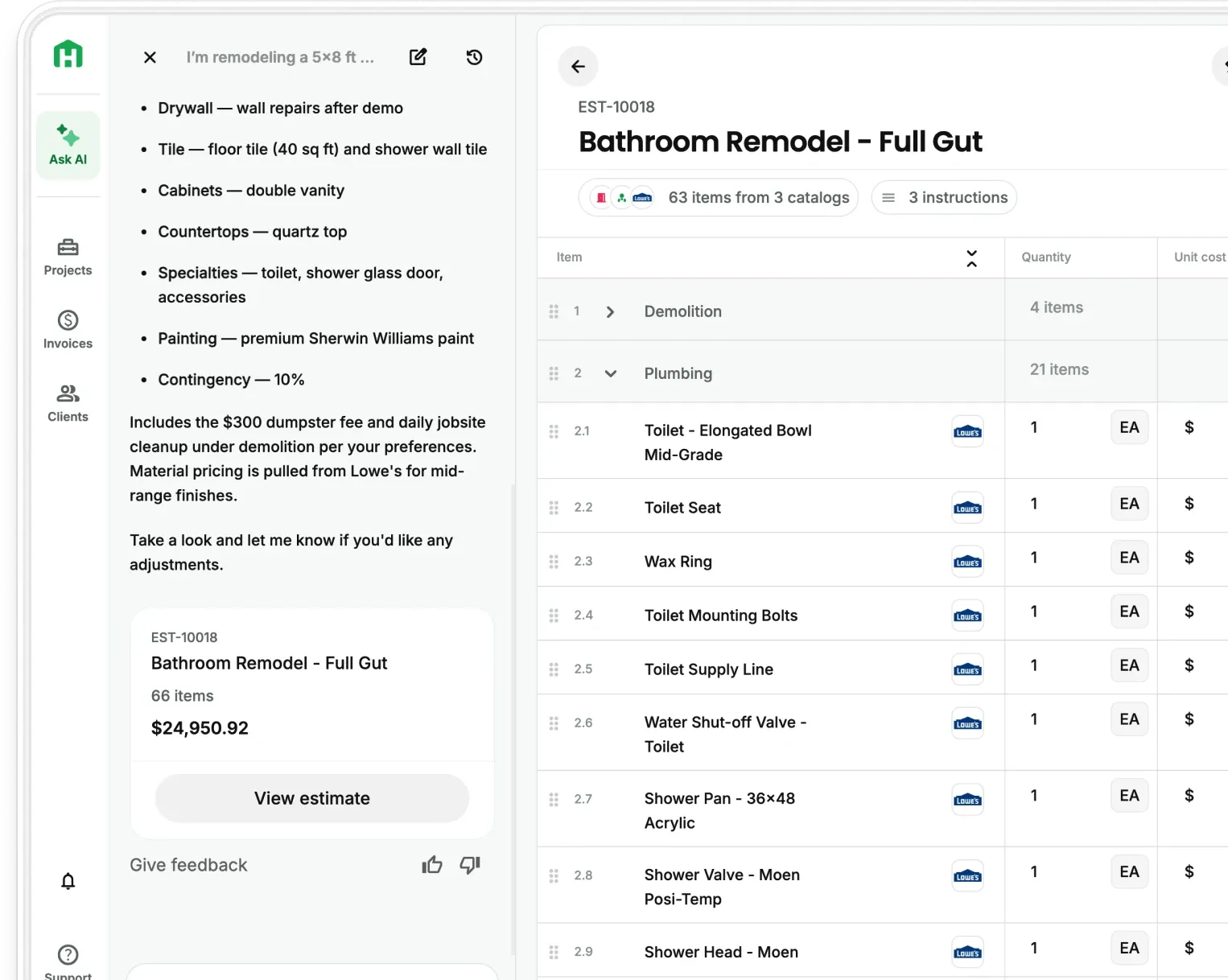
Residential contractors lose scope, revenue, and time every time they leave a job site and try to rebuild what was discussed from memory. Handoff’s newest meeting transcription feature fixes that. By the time you're back at the truck, your AI Teammate has already started the paperwork. No typing. No rebuilding. No missing scope. If you're on Pro, it's live in your app right now. If you're not, this is what you're leaving on the table every meeting.
The problem: Contractors lose scope between the job site and their desk
A typical meeting covers a lot of ground and by the time you're home or at your desk, some of it is gone.
The documents you write are close. But it's not everything.
And somewhere in that gap, scope items get dropped, change orders never get written up, and the conversation you had with the client exists nowhere but in your head.
AI Meeting Transcription: How does it work?
Pro users can now turn any client conversation into complete project documentation. Your AI Teammate will go beyond a generic voice memo tool. It listens, understands, and builds. No third-party recorder. No file transfers.
Here is how AI Meeting Transcription works, step by step.
- Step 1 — Start the recording Open the project in Handoff and tap record. The app captures the conversation in full.
- Step 2 — The AI extracts the scope Handoff's AI listens to what was discussed and identifies every piece of work: room by room, task by task, change by change. Nothing gets filtered out.
- Step 3 — Documents are generated automatically The extracted scope flows into draft documents the contractor can review and send without starting from scratch.
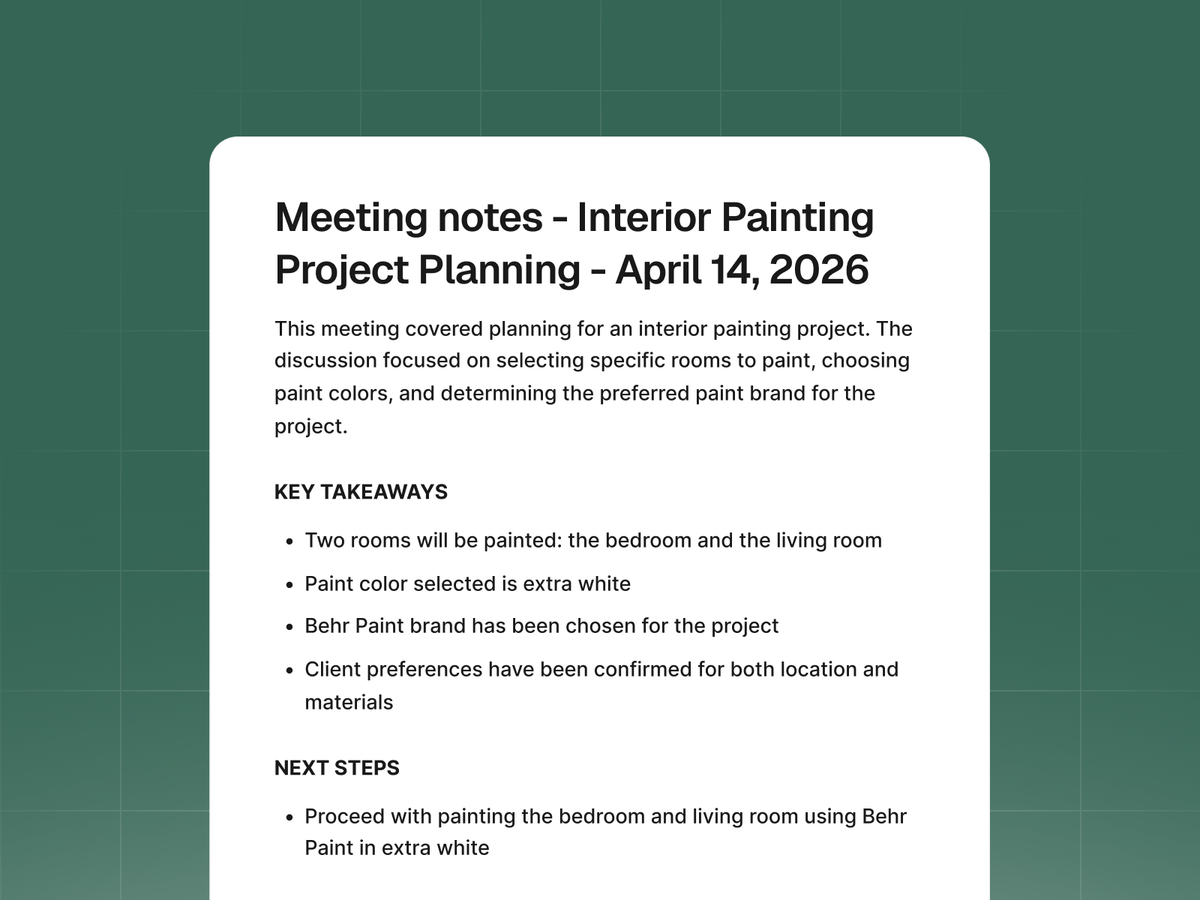
- Step 4 — Transcript and summary are saved to the project A full transcript and a structured meeting summary are saved directly to the project record. What the client said, what was agreed to, what needs to be priced etc. All documented, all in one place.
The result: a scope of work, estimate draft, change order notes, and meeting summary all from one recording.
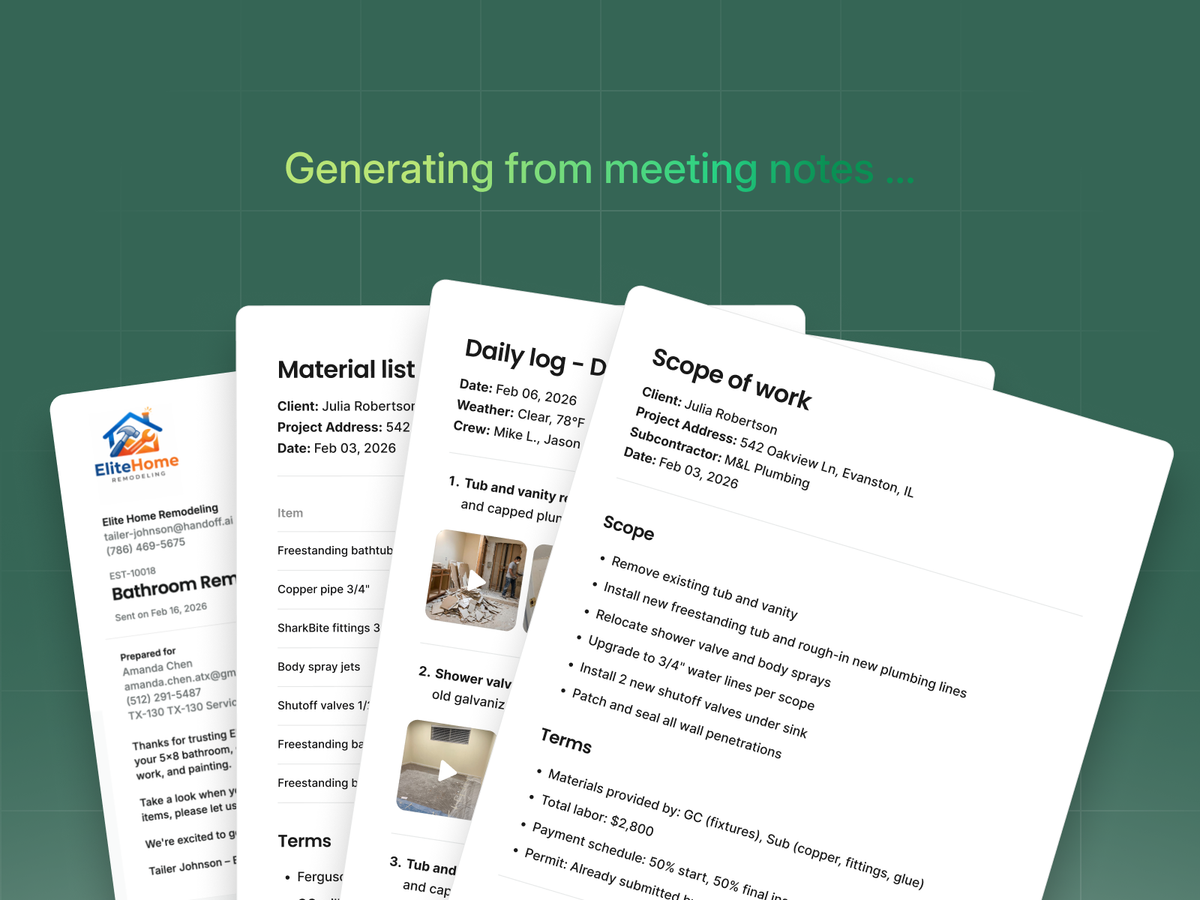
What documents can it generate?
One recording produces all the documentation you’ll need.
- Scope of work — Every task discussed, organized by room or area
- Estimate draft — Scope items pulled in to a priceable estimate, ready to review
- Change order notes — Mid-project discussions are documented and ready to formalize
- Meeting summary — A structured overview of what was covered and agreed to
- Full transcript — Word-for-word record the entire conversation.
Each document is saved to the project automatically. You review, adjust if needed, and send.
AI Meeting Transcription vs. voice memo on your phone
Every phone can record audio. That is not what this is. With a voice memo, you still have to listen back, take notes, and build the documents yourself.
With AI Meeting Transcription, Handoff does all the work. The scope is extracted. The documents are drafted. The transcript is saved. You review and send.
The point is speed, all-in-one documentation, and protection from disputes before they start.
Try it with your Pro plan
Let your dedicated AI Teammate turn any client conversation into complete project documentation. It’s the fastest way to go from conversation to done. Tap record at the start of a walkthrough, scoping call, or change order discussion.
On Handoff Pro? Open any project in the app to get started. Not on Pro yet? Check out what else you’ll get.