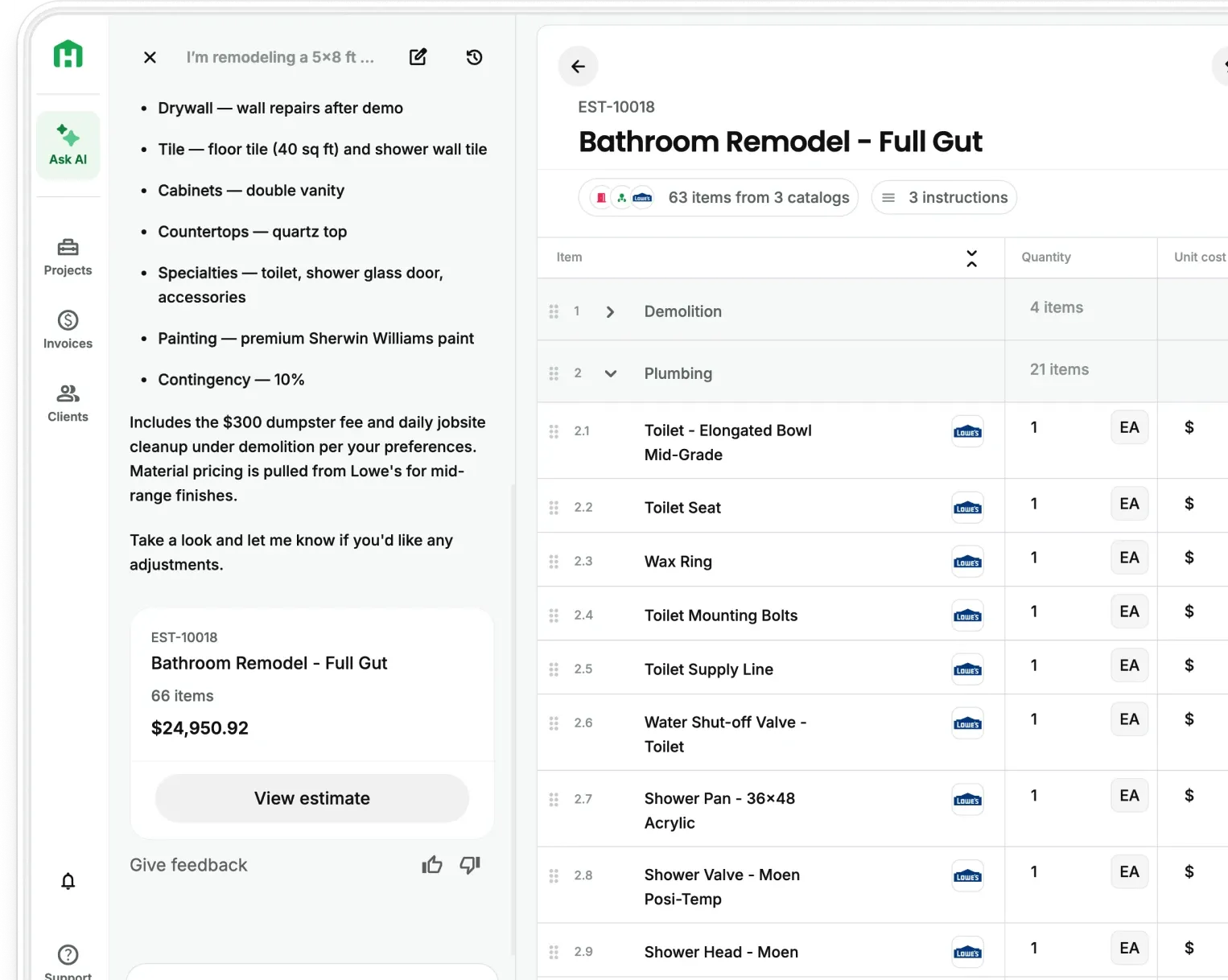
If you've ever gotten the same questions from a client over and over — "Did you send the proposal?" "When's the next invoice?" "What did we agree to again?" — you know the problem.
Most contractors don't have a bad communication habit. They just don't have a good system set up. Updates live in texts. Proposals sit buried in email. Invoices get forwarded, lost, and re-sent. And when a client feels out of the loop, trust starts to slip, even when the work is going great.
That changes today.
Introducing: AI Client Portal
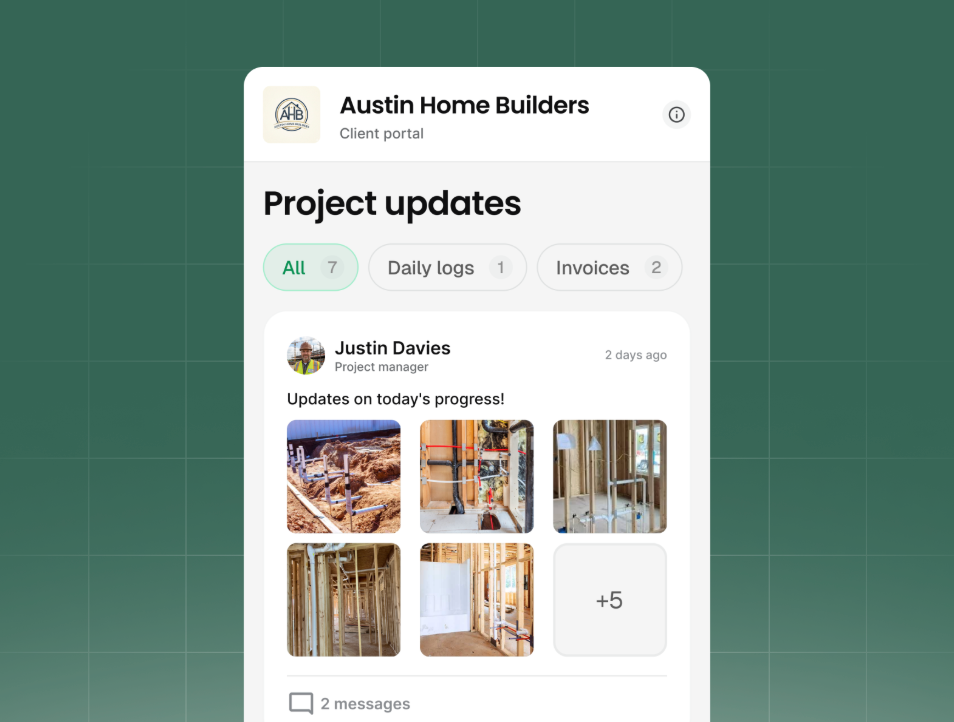
AI Client Portal gives your homeowner one centralized place to see everything shared about their project: proposals, invoices, daily logs, and payment status. You stay in control of what they see. They stay informed without having to make another phone call.
What your client can see in the portal:
- Proposals and invoices — added automatically when you share them, ready to review, approve, or pay
- Daily logs, documents, and files — shared manually, so only the right items show up
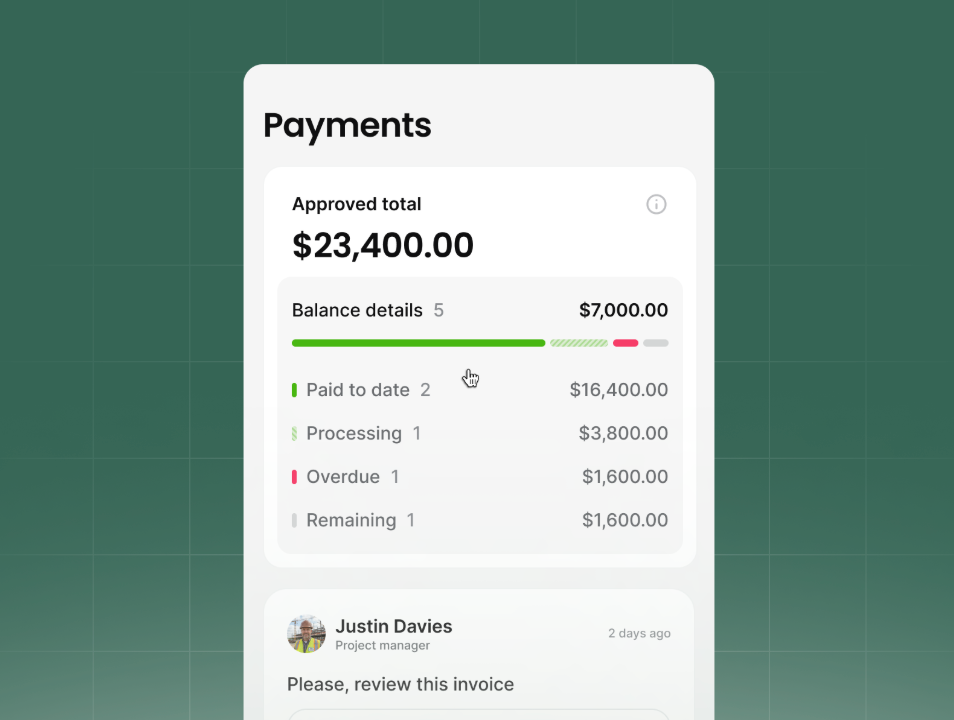
- Payment overview — what's due, what's been paid, and what's coming up
- Messages on shared items — clients comment on what was shared, you reply directly from the portal
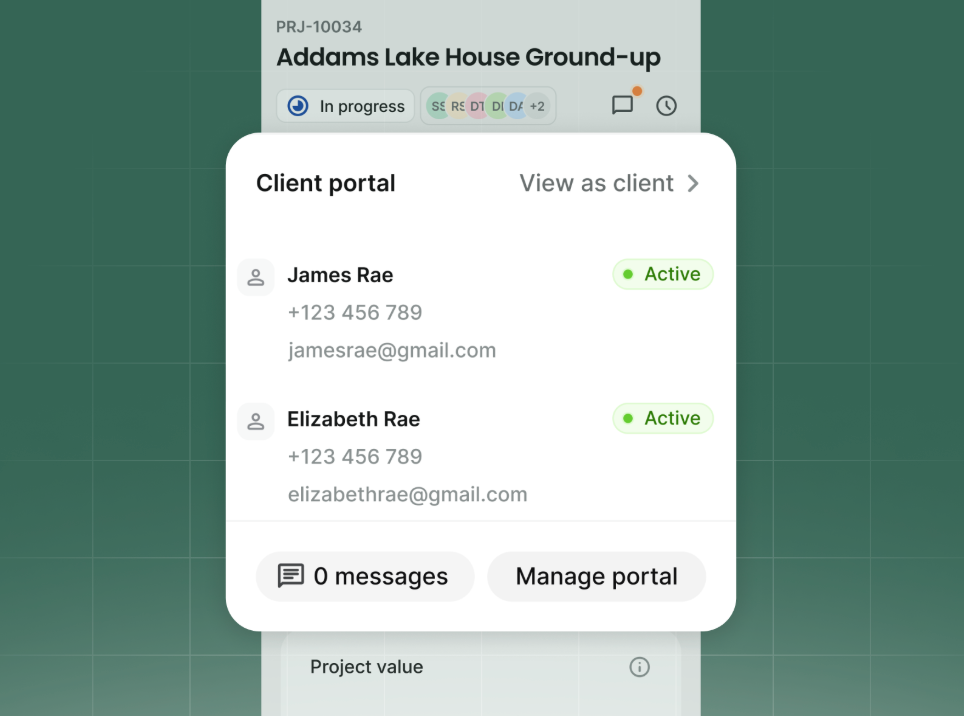
Invites take seconds. Enter your client's email or phone, send the link, and they verify their identity to get in. No app to download. No account to set up on their end.
A portal you control
You decide what your client has access to (or doesn’t), and you can preview exactly what they see before sharing. Proposals and invoices get shared automatically once a portal is set up. Daily logs and documents stay internal until you choose to share them.
How the AI Client Portal helps your business
Contractors live and die by trust. An informed client refers you to your next client, leaves a 5-star review, and signs the next change order without fear to keep projects moving forward. A client in the dark calls, texts, and second-guesses you throughout the whole project.
The AI Client Portal lets you run all your projects, from the signed proposal to final payment, in Handoff. Clients who can see progress and track what they owe don't need to blow up your phone. They pay faster, dispute less, and hire you again.
For you, that's fewer status calls, fewer payment surprises.
Try AI Client Portal on your next active project
AI Client Portal is available now in Pro and Scale plans and trials on Handoff.
Open any project, tap Manage Portal, invite your client, and choose what to share. Your client gets a link. You get fewer phone calls.
Frequently Asked Questions (FAQ)
What is the Handoff AI Client Portal? The AI Client Portal is a secure, branded project view where clients can see proposals, invoices, daily logs, documents, and payment status shared by their contractor — all in one place, on any device.
How do clients access the portal? Contractors invite clients by email or phone number. Clients get a link, verify their identity with a one-time code, and they're in. No app download and no account setup.
What can contractors share in the AI Client Portal? Proposals and invoices are added automatically when shared. Daily logs, documents, and files are shared manually, so contractors choose exactly what each client sees.
Can clients pay invoices through the portal? Yes. Clients can view shared invoices, see payment status, and pay directly in the portal — making it easier to stay current without back-and-forth.
Can clients message contractors in the portal? Yes. Clients can leave messages directly on shared items. Contractors reply to the project inside Handoff, so all communication stays tied to the right document.
Is the AI Client Portal branded to my business? Yes. Your logo and business name appear in the portal, so clients see a professional view that reflects your company.
Who is the AI Client Portal for? It's built for contractors running projects of two weeks or longer — whole-home remodelers, kitchen and bath contractors, and residential GCs — especially when clients are out-of-state, investing remotely, or can't visit the job site often.
Handoff is the #1 rated estimating software on G2 — built for contractors who want to run a tighter, more professional operation. Start for free →