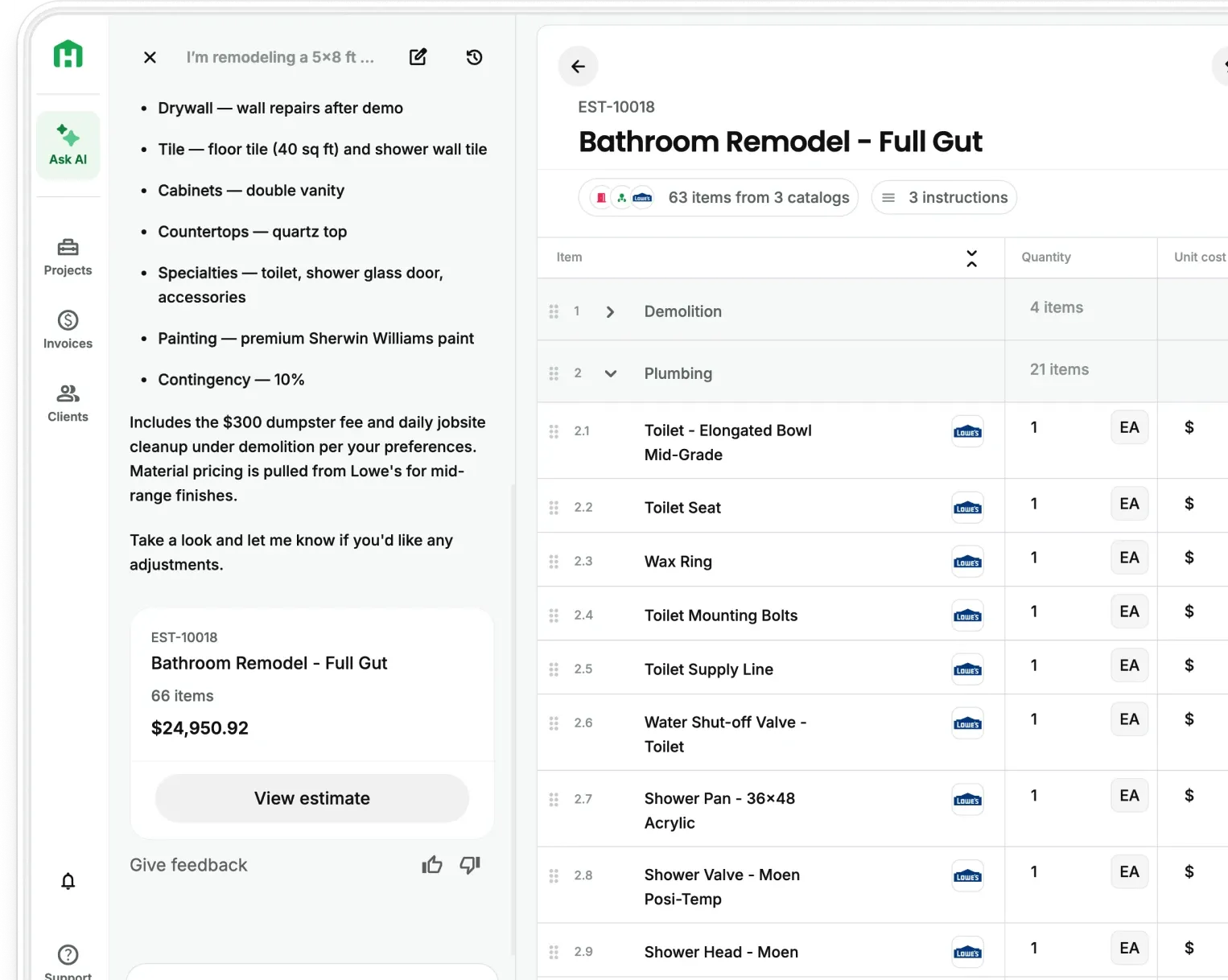
The best contractors aren't just good at the work, they're good at running a business. They know their numbers, they close fast, and they show up with a proposal that makes the decision easy.
The hard part is doing that consistently as you grow. More projects means more estimates, more proposals, more end to end coordination. At some point, you need a system you trust that scales with you instead of slowing you down.
That's exactly what Handoff's updated Templates, Presets, Catalogs and Roles are built for. Train the AI on how your business works so you can offload admin to AI. Your pricing rules, your document formats, your material costs, every estimate and document reflects your standards. Not just when you run it. Every time anyone on your team does.
AI trained to think like you
Right now, everything your business knows lives in your head. Your markup, your preferred materials, the way you close business, you've spent years building that knowledge. The problem isn't knowing it. It's that you have to apply it manually every single time.
As your business grows, that becomes the bottleneck. You hire an estimator and spend weeks getting them up to speed. You take on more projects and don’t have the time to be in the weeds on the admin. The thing that made you good at this starts getting diluted.
Handoff fixes that by letting you train your standards into the AI itself. Set them once. Scale without limits. Trust that your team has the visibility they need.
Train it once. Trust it every time.
With Handoff's updated Templates and Presets, you can now teach the AI how your business runs.
There are four things you can configure:
1. Smart AI Presets: Your pricing and decision rules
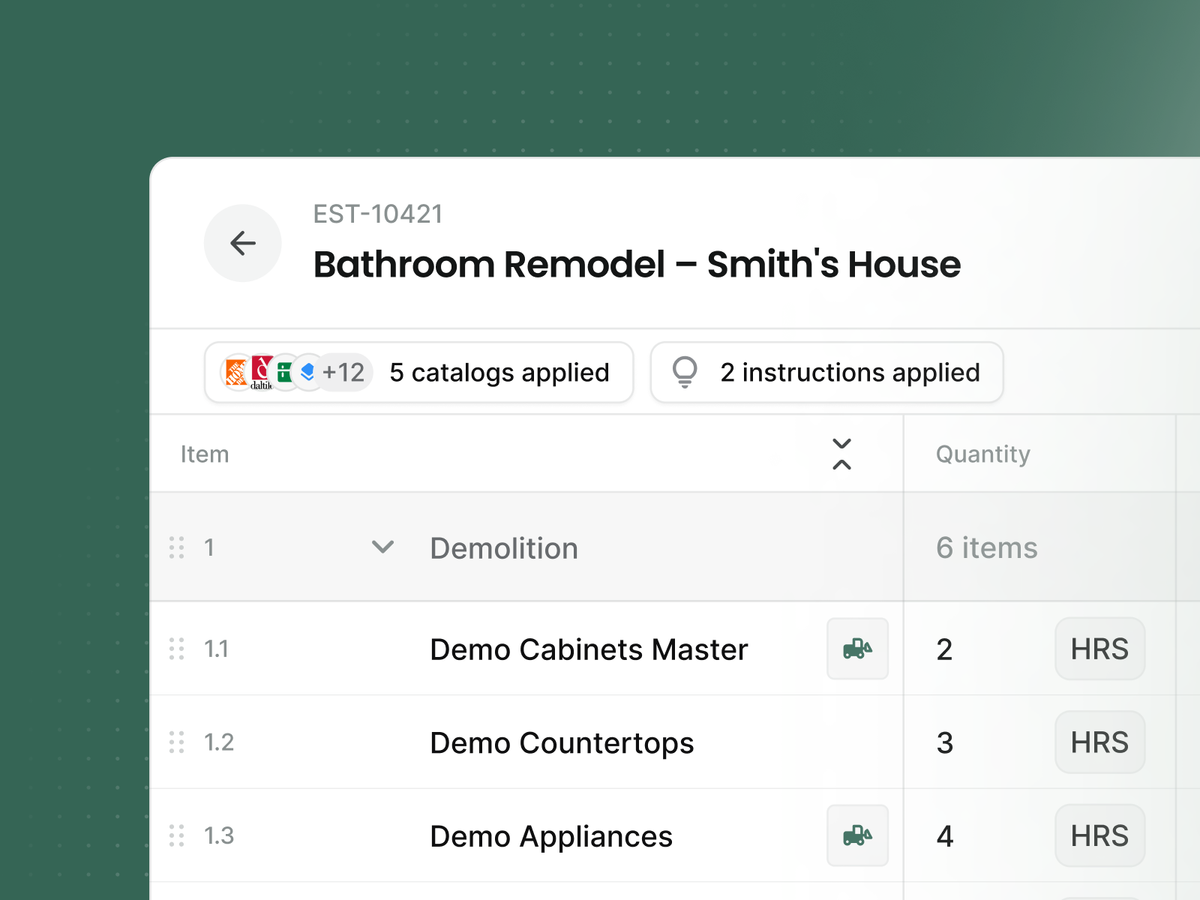
Save the rules that define how you operate, and Handoff applies them automatically across estimates and documents.
"Always add 10% waste on tile." "Mark up materials 25%." "Include a mobilization fee on jobs over $15K."
These presets apply everywhere. Not just the next estimate, but every estimate. And before they run, Handoff validates them. If two rules conflict, or if something won't apply cleanly to a specific job, it tells you why instead of silently getting it wrong - acting as your second brain, saving you time and reducing admin overhead.
You can create presets from the chat interface too. If you're mid-estimate and think of a rule you always follow, just say it. Handoff saves it for you.
2. Personalized Templates: Your exact deliverables
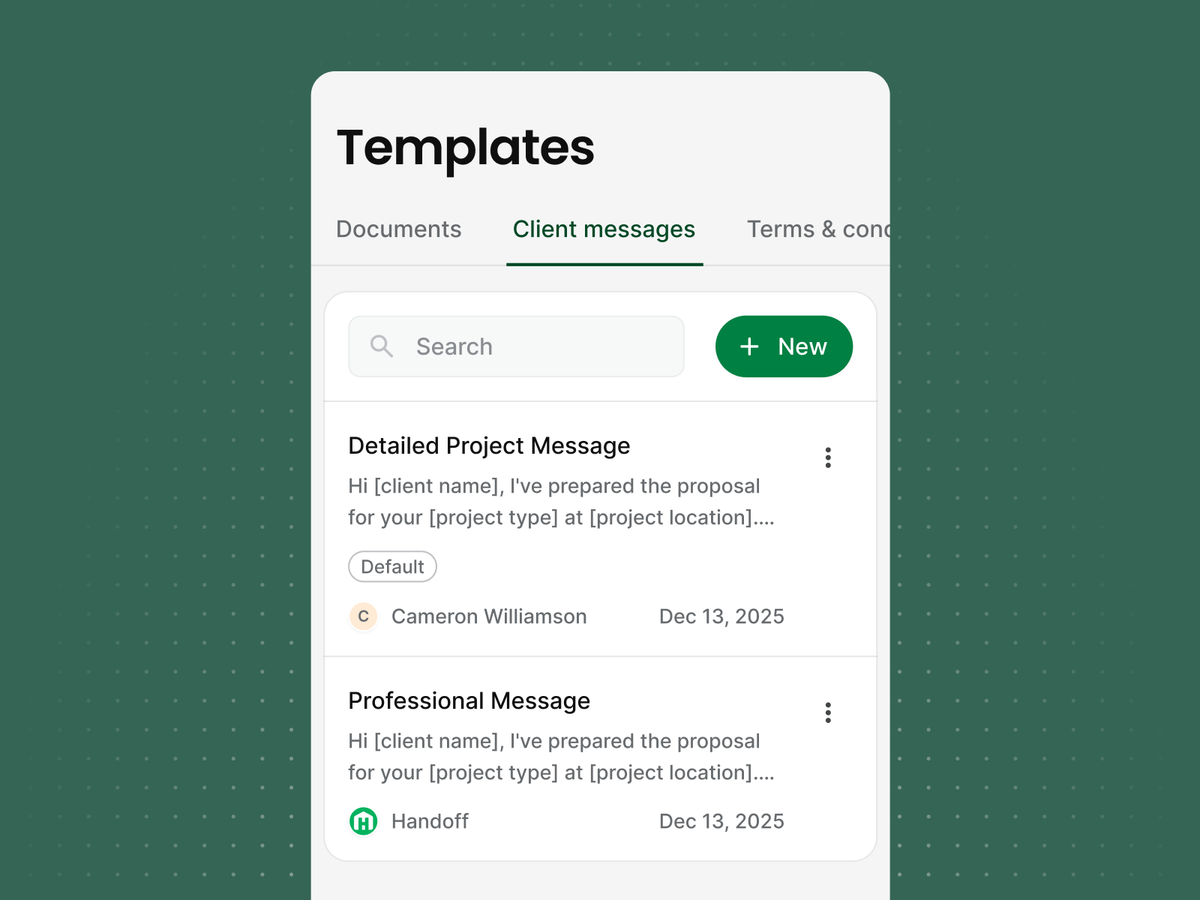
Your documents, proposals, and invoices should look like your company, not a generic AI output.
Create templates for every deliverable you send - proposals, work orders, daily logs, scope documents, and more. Set a default, or let Handoff choose the right template based on context (e.g., residential remodel vs. custom build).
Don't have a template yet? Ask Handoff to draft one based on your preferences and save it. Next job, it's ready.
3. Custom Catalogs: Your real prices
Generic AI uses generic prices. Your business doesn't operate on generic prices. Handoff is trained on real construction so that it actually learns your business.
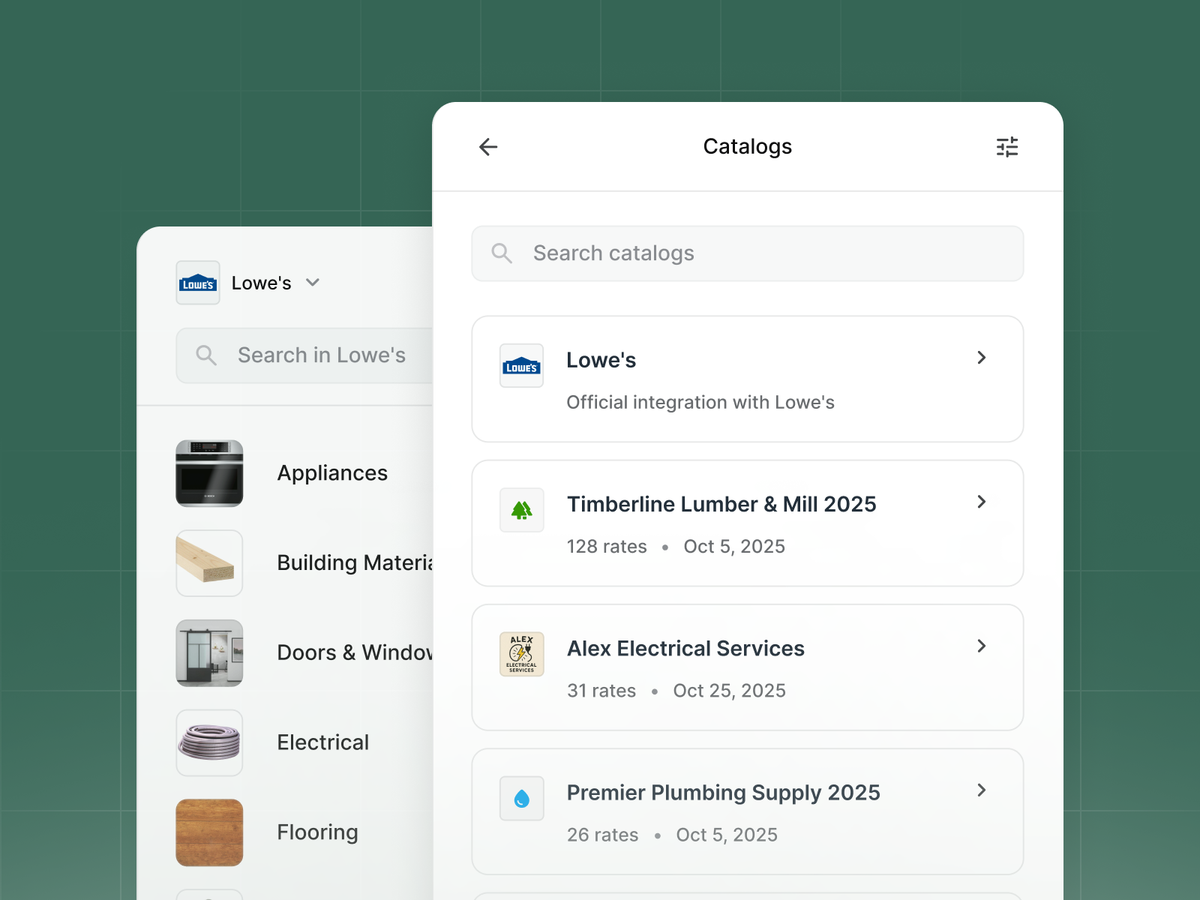
Upload your supplier quotes, sub bids, and cost books. Handoff matches catalog items to your projects and prices them using your actual costs, not just regional averages or guesses. You can also pull current pricing from Lowe's and Home Depot directly (more supplier integrations coming).
4. Roles: The right access for every person on your team
As your team grows, not ekveryone needs access to everything. And more importantly, not everyone should be able to touch the rules that protect your margins.
Handoff's Roles feature lets you assign access levels that match what each person actually needs to do their job (use Handoff’s standard presets, or customize to exactly what you need):
- Estimators can build and send estimates, but can't modify your markup rules or pricing presets.
- Field crew see their schedules, project details, and site documentation - nothing more.
- Project managers can track progress, handle change orders, and communicate with clients within the guardrails you've set.
- Admins control the full system: presets, templates, catalogs, user permissions, and billing.
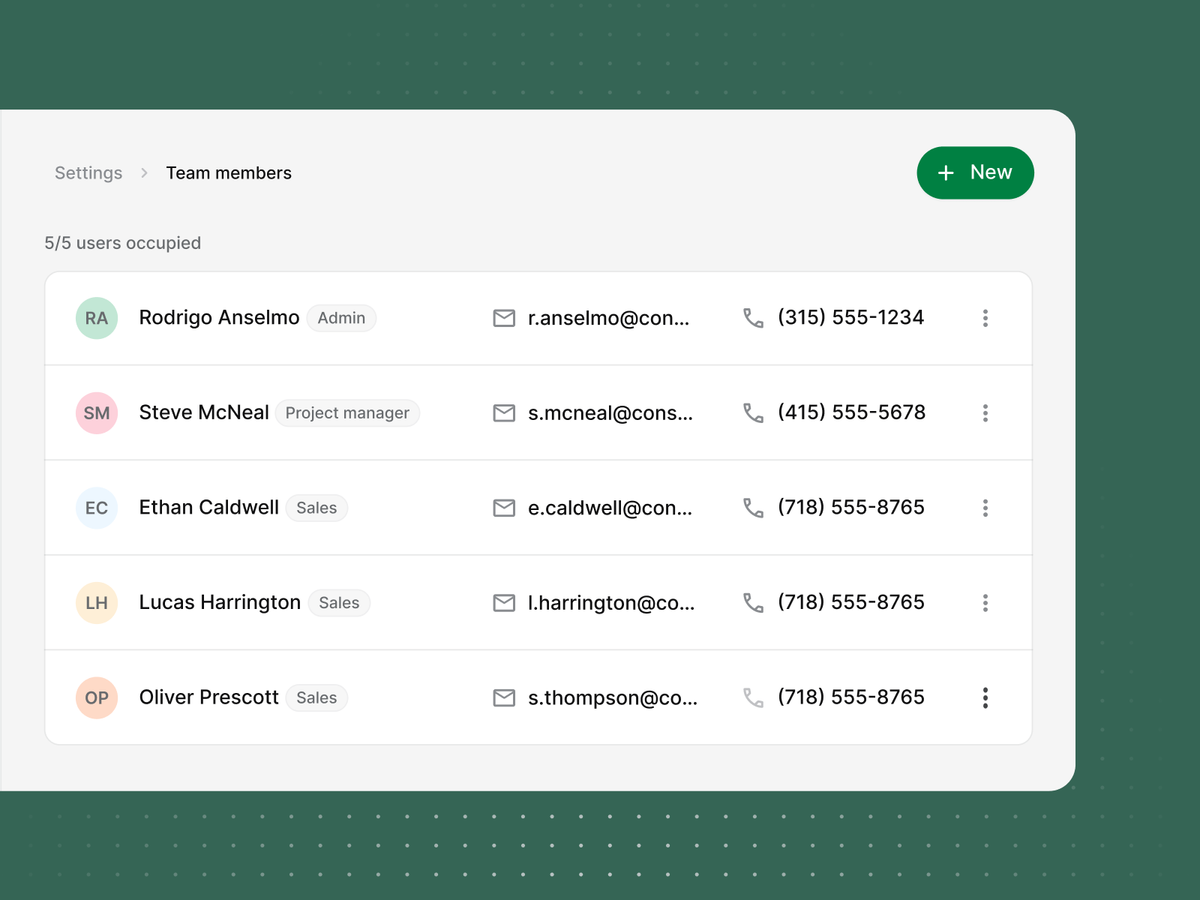
This matters for two reasons. First, it keeps your standards intact, no one accidentally blows your markup by quoting from memory. Second, it lets you hand off work confidently. When a new estimator joins, they're working inside your system from day one. They can't go rogue on your pricing. They can't send a proposal that doesn't follow your format.
Your standards travel with the role. New hire or tenth hire, the output looks the same.
What this means in practice
You've been on a job site when a homeowner asks for a rough number. You give them a ballpark. It's in range because you've run hundreds of jobs like this one — but it's not a proposal.
That's what this is. Except it gets you all the way to estimate and beyond instead of just "here's a ballpark and I'll get back to you soon."
Set your rules. Set your templates. Upload your pricing. Assign your roles. From that point on, Handoff delivers what you'd deliver - in minutes, consistently, every time.
Markups don't shift. Scope doesn't drift. Your intro language, your payment terms, your preferred materials are all trained to the way you think. And no matter who on your team runs the estimate, it comes out right.
Who this is built for
If you're doing a handful of estimates a week and spending hours per project, this is for you. If you've got a team and you need every estimate to follow the same standards you set regardless of who runs it, this is especially for you.
Available now
Updated Templates, Presets, Catalogs, and Roles are live for Pro, Scale, and Trial plan users today. Log in, head to Settings to get started, or ask Handoff's AI to walk you through setup.
The more you put in, the more consistently it performs. Most contractors get it dialed in within one or two projects.
Frequently Asked Questions (FAQ)
What are Handoff Templates, Presets, Catalogs, and Roles?
They’re the tools that let you train Handoff to work the way your business works. Presets store your pricing and decision rules, Templates shape your documents, Catalogs use your real costs, and Roles control what each person on your team can access. Together, they help every estimate and document reflect your standards consistently.
How do Handoff Presets help contractors estimate faster and more accurately?
Handoff Presets save the rules you already use, like material markups, waste percentages, and job-specific fees. Instead of applying those decisions manually every time, Handoff uses them automatically across estimates and documents. That makes your pricing more consistent and reduces the risk of missed details or admin errors.
Can Handoff use my real material prices instead of generic construction pricing?
Yes. With Custom Catalogs, you can upload supplier quotes, subcontractor bids, and cost books so Handoff can price work using your actual costs. That gives you more accurate estimates and helps protect your margins compared to relying only on broad market averages.
How do Templates help keep proposals and documents consistent?
Templates let you standardize the way your proposals, invoices, work orders, and other documents look and read. Instead of sending generic outputs, your team can generate deliverables that match your company’s format, language, and standards. That keeps the client experience more professional as your business grows.
What do Roles do inside Handoff?
Roles let you control who can see, edit, and manage different parts of the platform. For example, estimators can build proposals without changing pricing rules, while admins can manage presets, catalogs, templates, and permissions. This helps you delegate work without losing control over the standards that protect your business.
Who is this built for?
This is built for contractors who want to scale without sacrificing consistency. It’s especially useful for businesses doing multiple estimates a week, training new team members, or trying to standardize pricing and documents across a growing team. The goal is to make sure the business runs your way, not differently every time someone touches it.