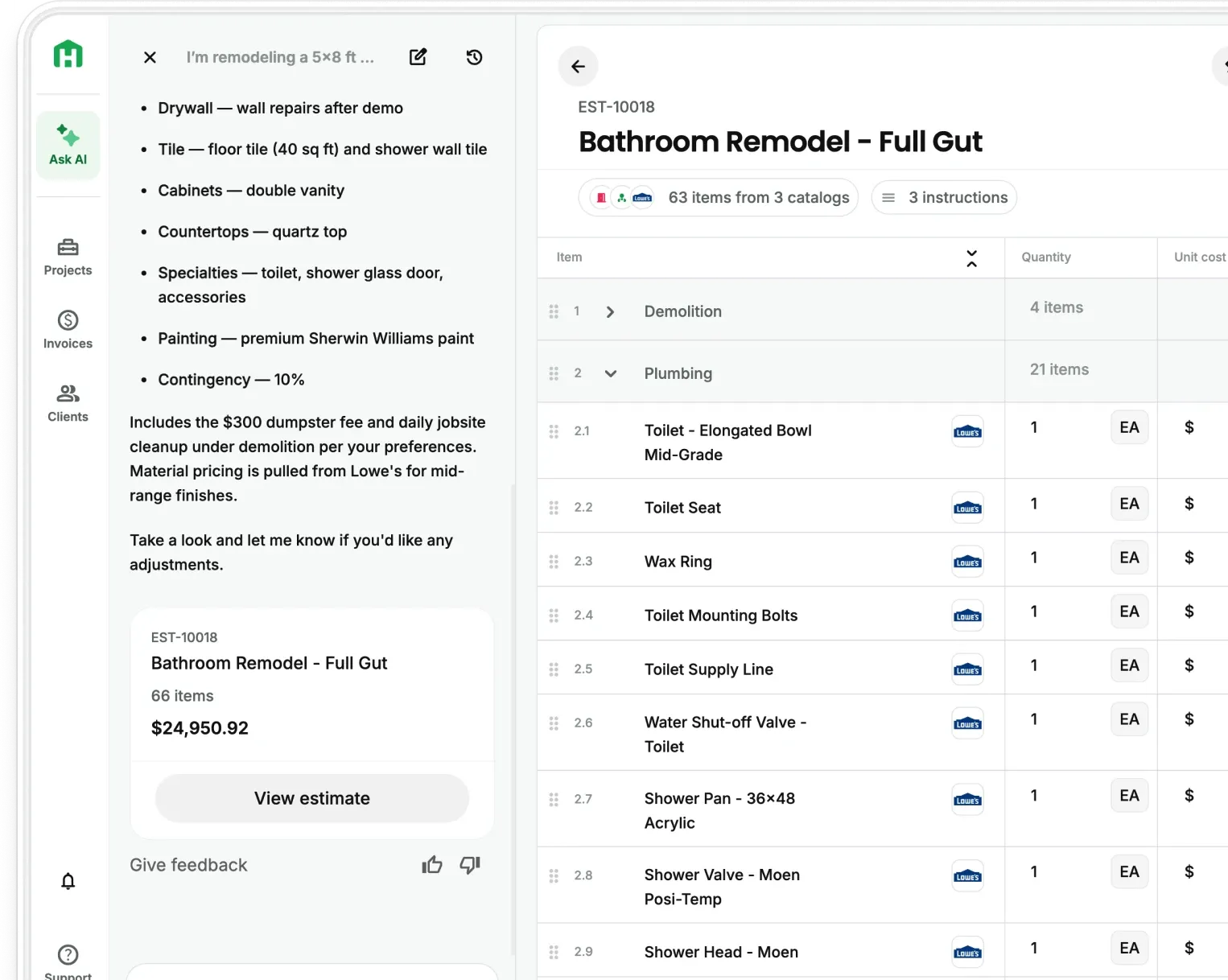
Anything you do in Handoff can now be done through the AI of your choice, from creating projects and building estimates to sending proposals and managing invoices.
With MCP Connection, Scale plan customers can connect their Handoff AI Teammate with Claude, ChatGPT, or another MCP-compatible assistant. Once connected, you can create projects, build itemized estimates, generate proposals for signature, manage invoices, and work with your Handoff records directly from the AI you already use. Setup takes a few minutes and requires no development work.Available now on Handoff Scale plans.
The work you are already doing twice
A lot of contractors have quietly built an AI habit over the last year. You paste a client email in and ask for a scope. You have it read a set of specs and pull out the parts that matter. You ask it to rewrite a change order so it does not sound rude.
And if you didn’t start with Handoff, you add it there, too.
Some contractors have gone further than that. We have talked to owners who spent weeks feeding an assistant their pricing, their trades, and their past jobs so it could produce something close to a real estimate. It worked. It also lived in a chat window, disconnected from the system where the job actually gets run.
What You Can Now Do in Handoff From Your AI
Once connected, the AI you choose can work directly with your live Handoff account. Not a copy, not an export. The real thing.
- Projects. Create a project, assign a client by email, set the location, update the name or status, and read back the schedule and phases. It can also create a project and generate its estimate in one step.
- Estimates. Build a full estimate with line items and nested sections by room or trade. Edit or remove any line. Read back the itemized breakdown in display order with quantities, rates, raw totals, marked-up totals, and section roll-ups. Set up payment schedules. Export to PDF or CSV.
- Proposals. Generate a proposal from any estimate, send it by email or text, and require a client signature before it can be approved. Approve, decline, or cancel from the same conversation.
- Invoices. Create an itemized invoice from an estimate, edit the details, and void one if you need to.
- Contacts and job records. Create and search client contacts, and pull daily logs, documents, expenses, comments, and file attachments.
How to Connect Your AI to Handoff
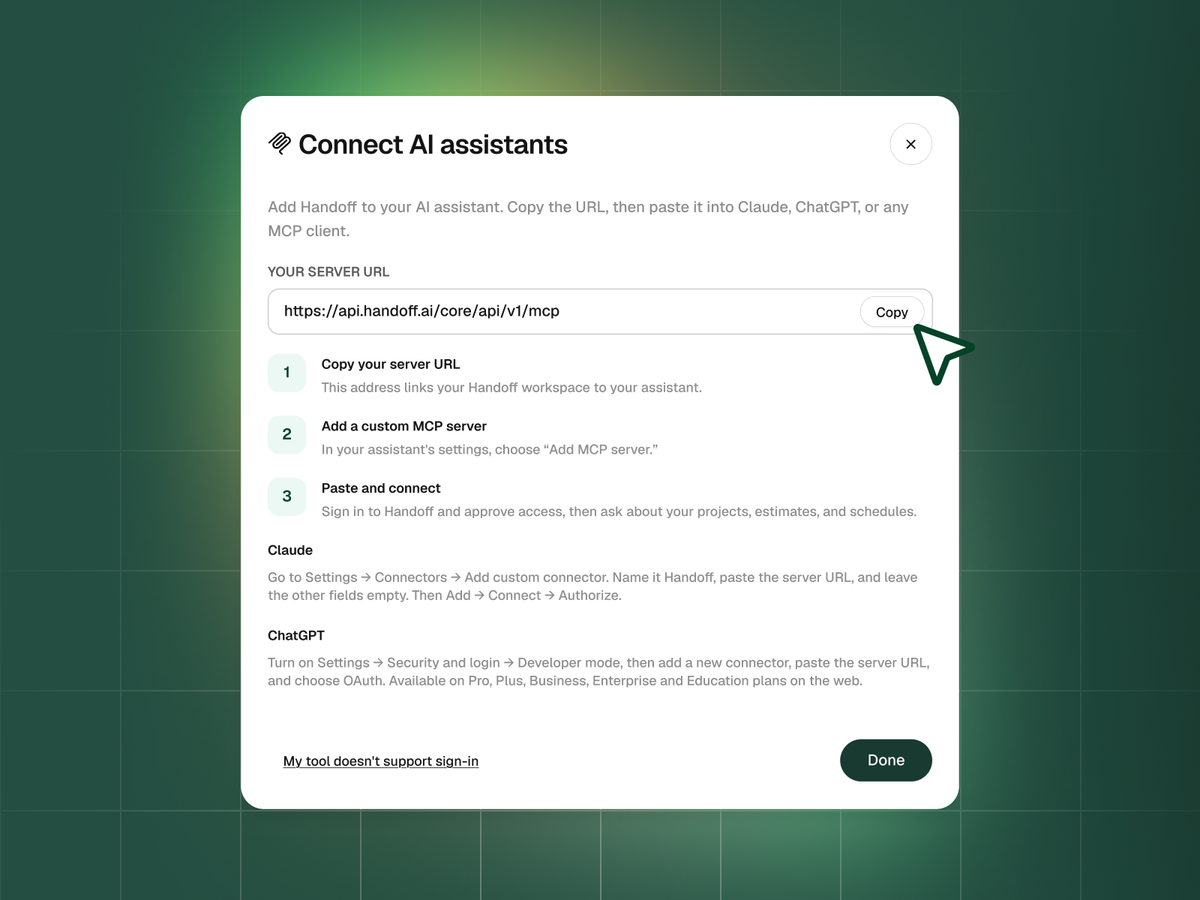
Setup is a one-time job and takes about five minutes.
- Generate an API key in Handoff. Go to Settings and create a key for your organization.
- Add Handoff to your assistant. In Claude, add the Handoff server from your terminal with a single command. In ChatGPT, open Settings, go to Apps, and add a new MCP server.
- Paste your key. Your assistant stores it and uses it on every request.
- Test it. Open a new chat and ask what it can do in Handoff. You should see the full list of available actions.
Step-by-step instructions for both are in the Help Center.
Available now on Handoff Scale plans
MCP Connection is live for all Scale accounts. giving contractors a new way to work with their Handoff AI Teammate through Claude, ChatGPT, and other MCP-compatible assistants.
If you are on Pro or below, see what is included in Scale or reach out to the team.
Other FAQs about MCP Connection
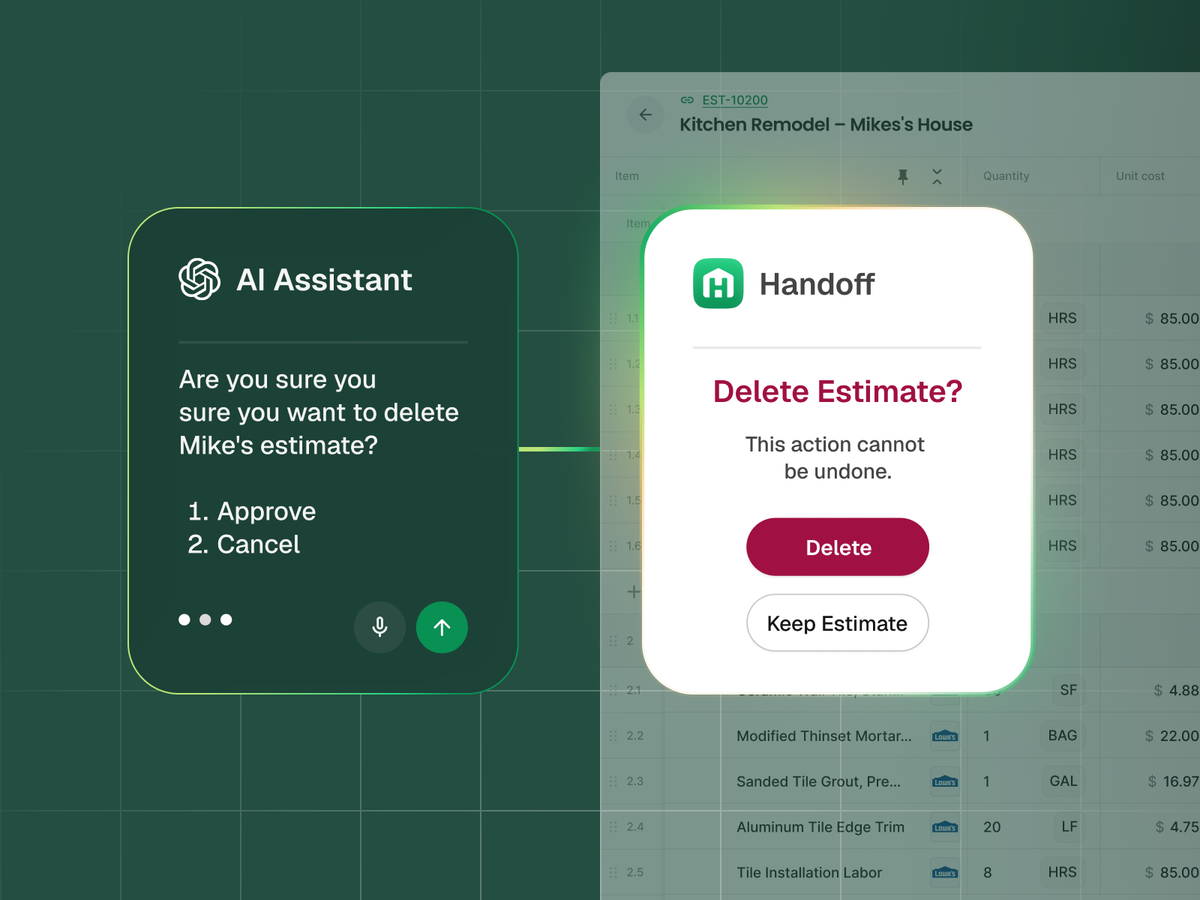
What if the AI makes a mistake?
Check the action before you confirm it. Some things, like sending a proposal or deleting a record, cannot be undone once they go through. Your assistant will tell you what it is about to do.
Can I see what my assistant has done in my account?
Yes. Anything it creates shows up in Handoff like any other record. Open the project and the estimate is there.
Is this the same as the Handoff API?
It runs on the same foundation, but you do not configure or build anything. Your assistant handles the connection. You just ask.